DicaNote is an Android notes app — text, attachments, calendar, templates and local backup. The app UI is mostly in English; every guide below uses on-screen button names in bold.
Just installed? Start with getting started and your first note. Changing phones? Read backup & restore first.
Getting started
First note
Backup
Privacy PIN
Search
Attachments
Reminders
Full index
All EN posts
Português
Get started
Getting started
Tour, home screen, permissions, first minutes.
Read →
First note
Title, body, save, find it in the list.
Read →
Create menu (+)
Note, template, checklist or drawing.
Read →
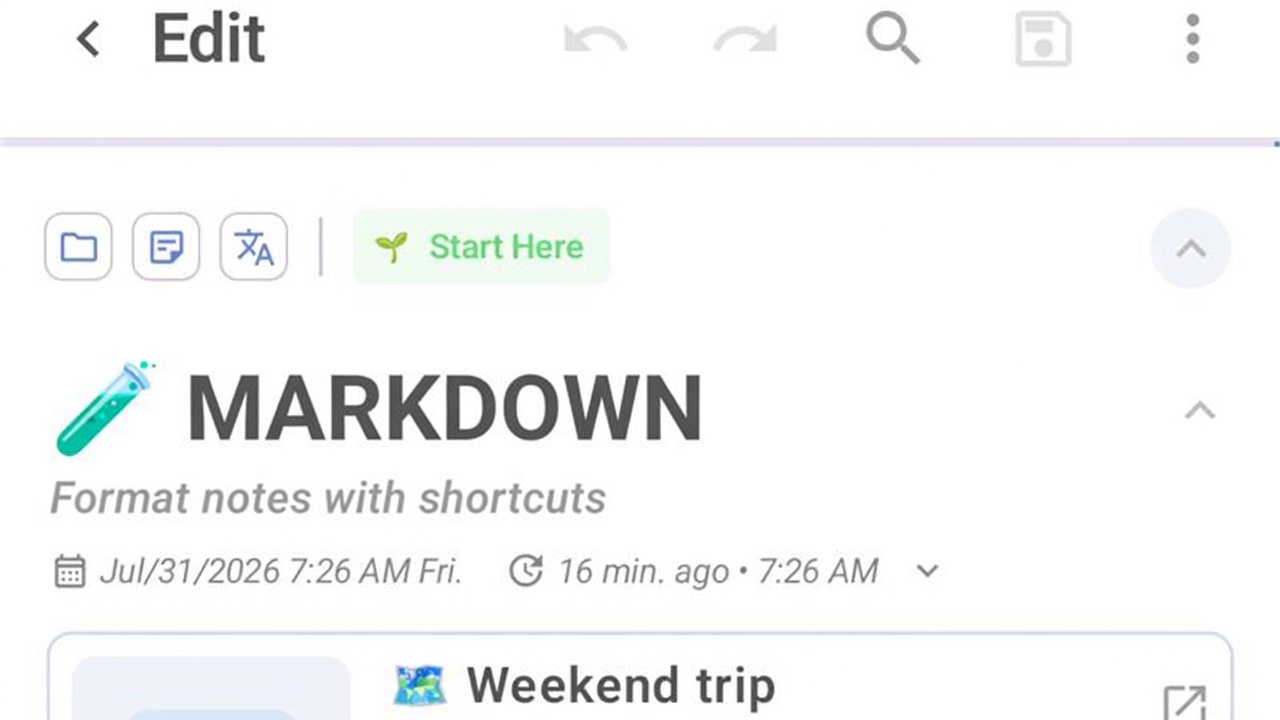
Markdown
Bold, lists, headings, keyboard shortcuts.
Read →
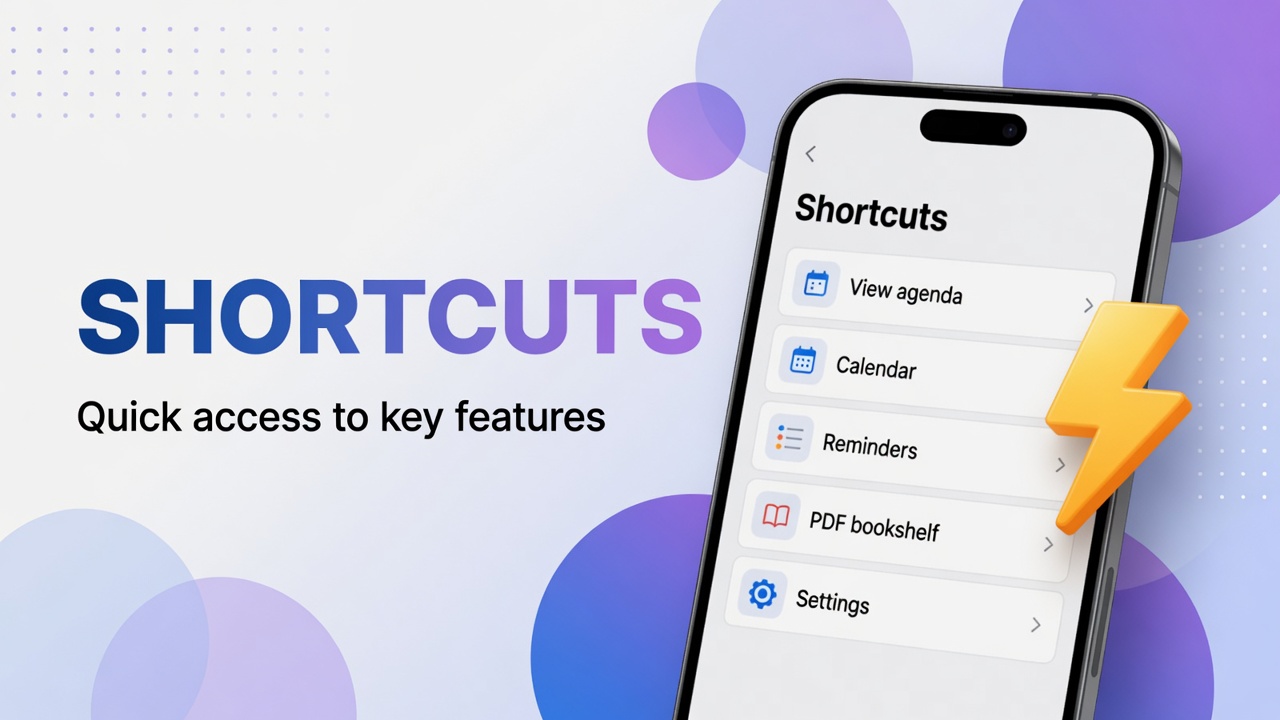
Shortcuts
Grid jumps to calendar, tasks, categories.
Read →
Favorite, pin & layout
Star, pin, and list layout options.
Read →
Appearance & theme
Light, dark, follow system.
Read →
Organize
Organize overview
Categories, tags and search together.
Read →
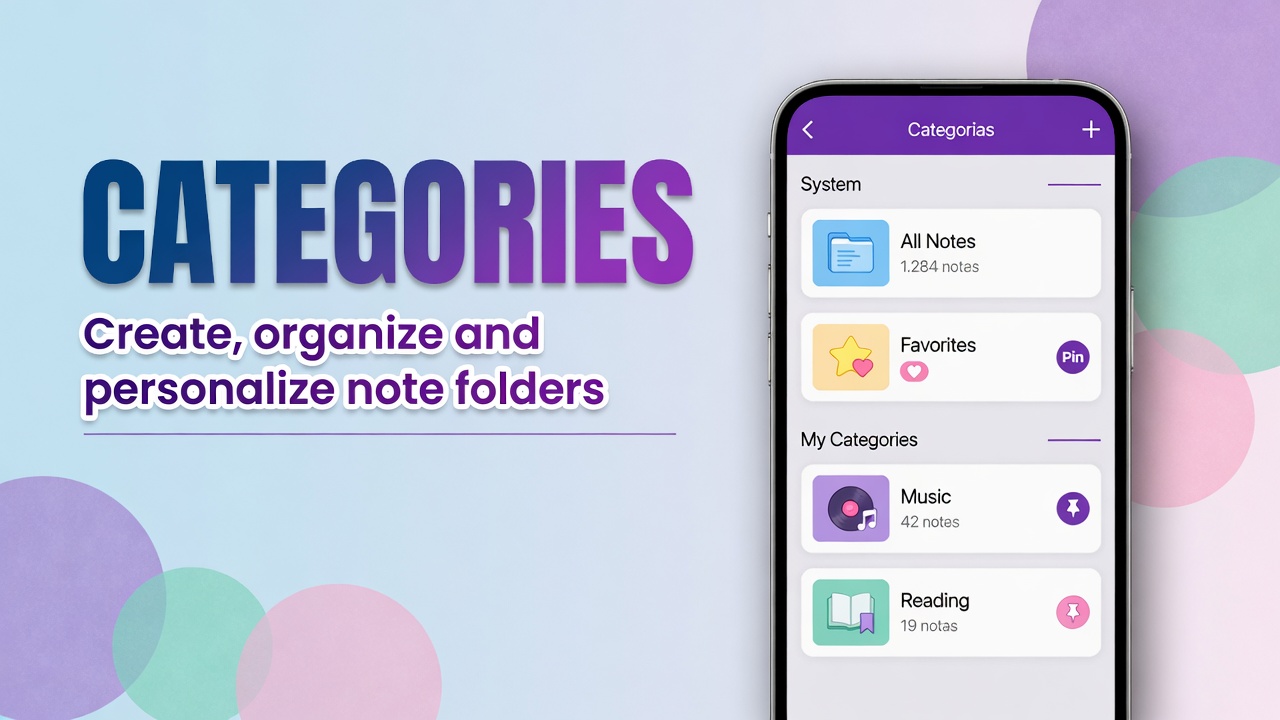
Categories
Folders and the Categories page.
Read →
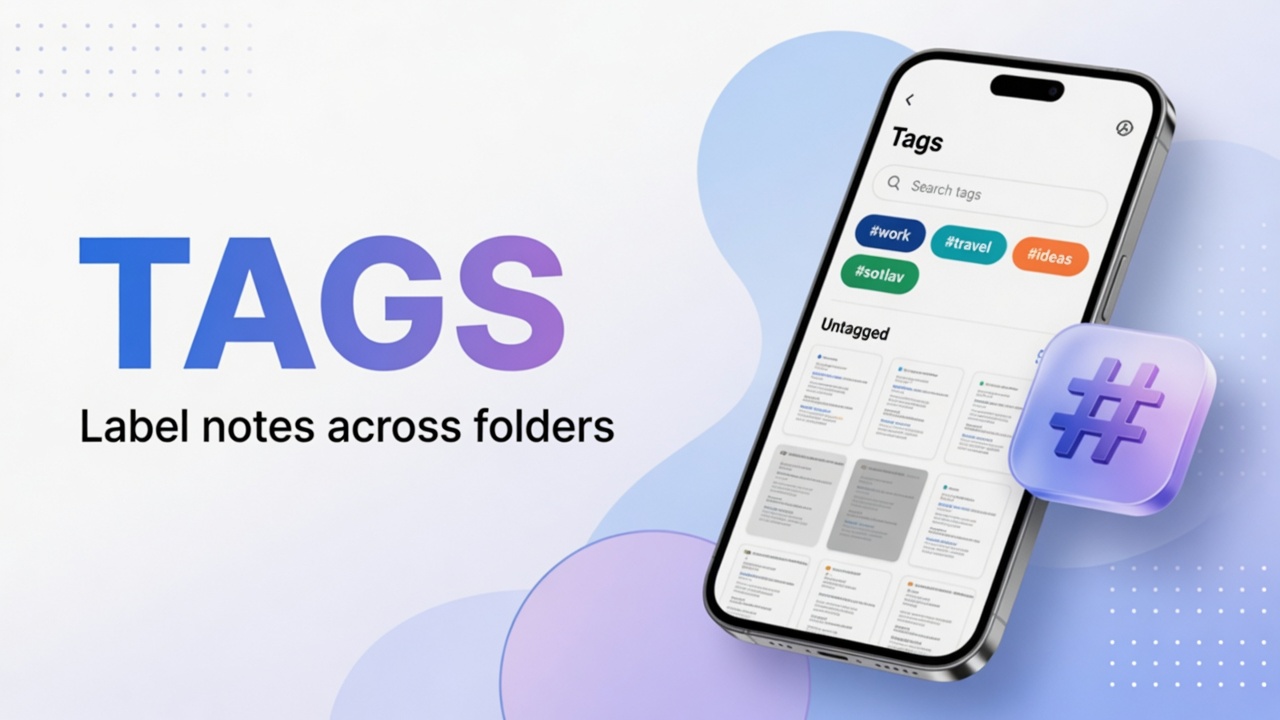
Tags
Labels that cross categories.
Read →
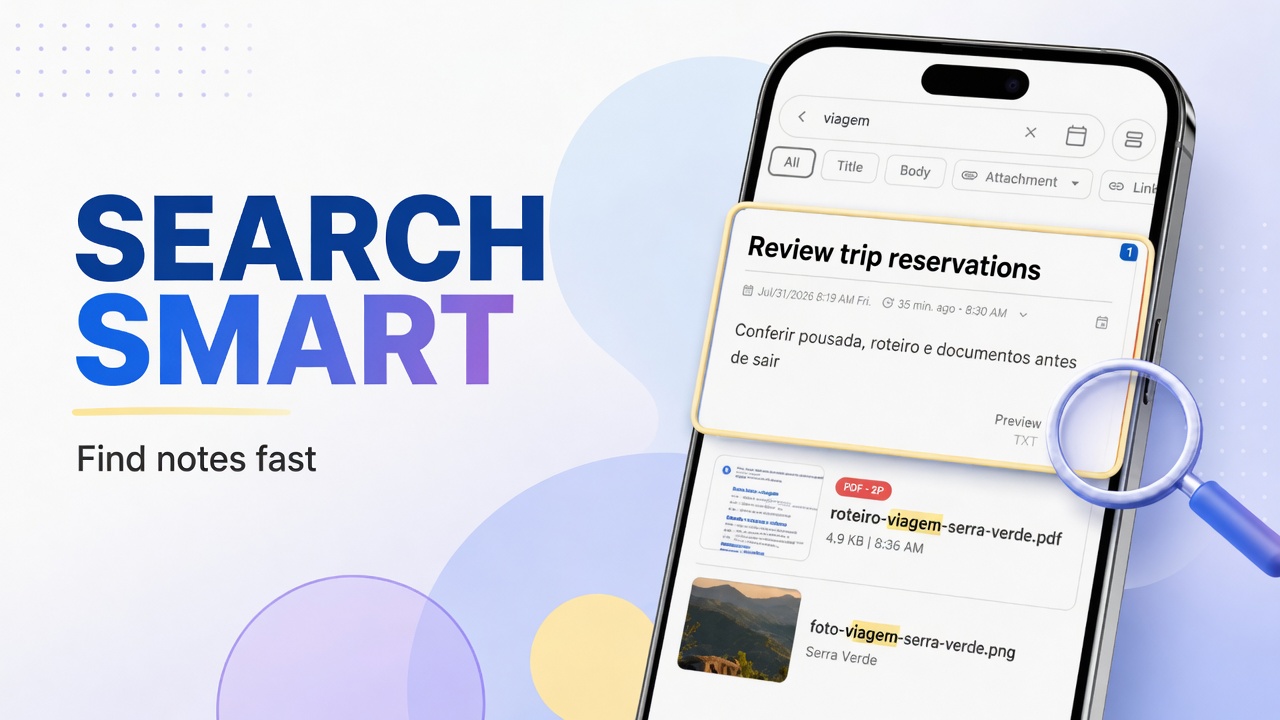
Smart search
Find notes by text and filters.
Read →
Bulk actions
Select many notes and act once.
Read →
Merge notes
Combine two or more notes into one.
Read →
Find duplicates
Spot copies and clean the library.
Read →
Archive
Hide from home without deleting.
Read →
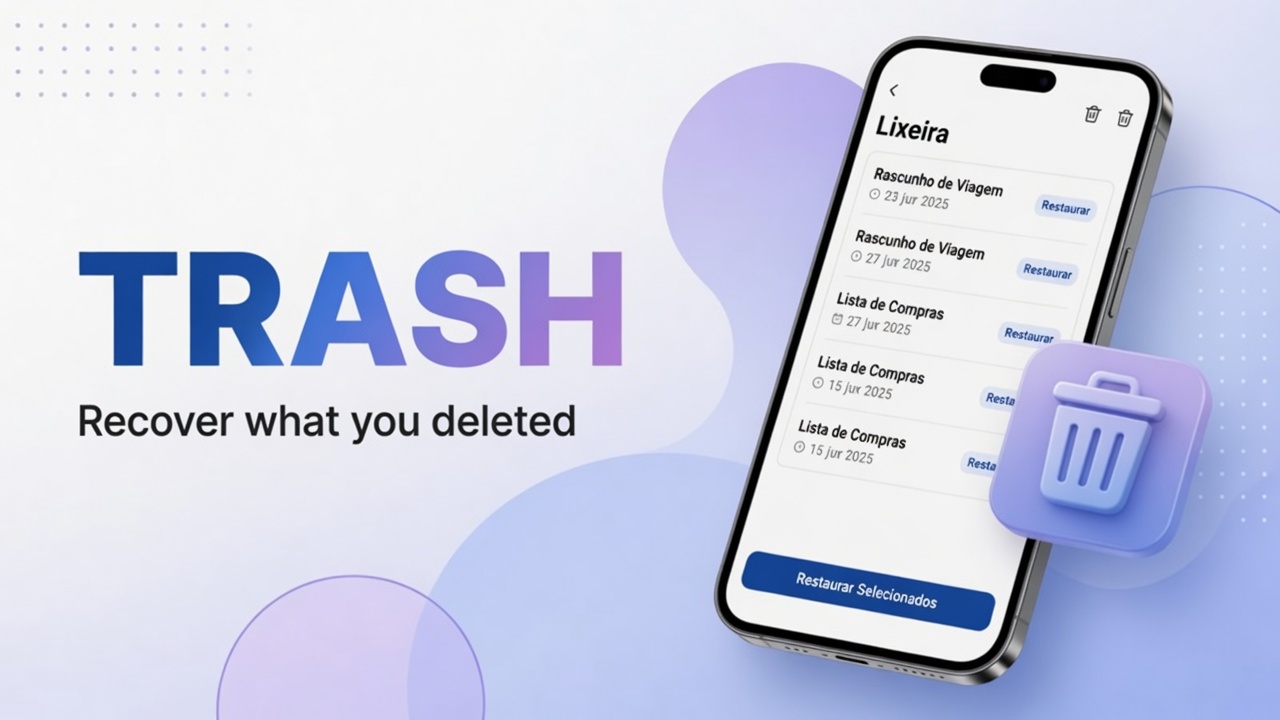
Trash
Restore or delete forever.
Read →
Links
Note-to-note and web links.
Read →
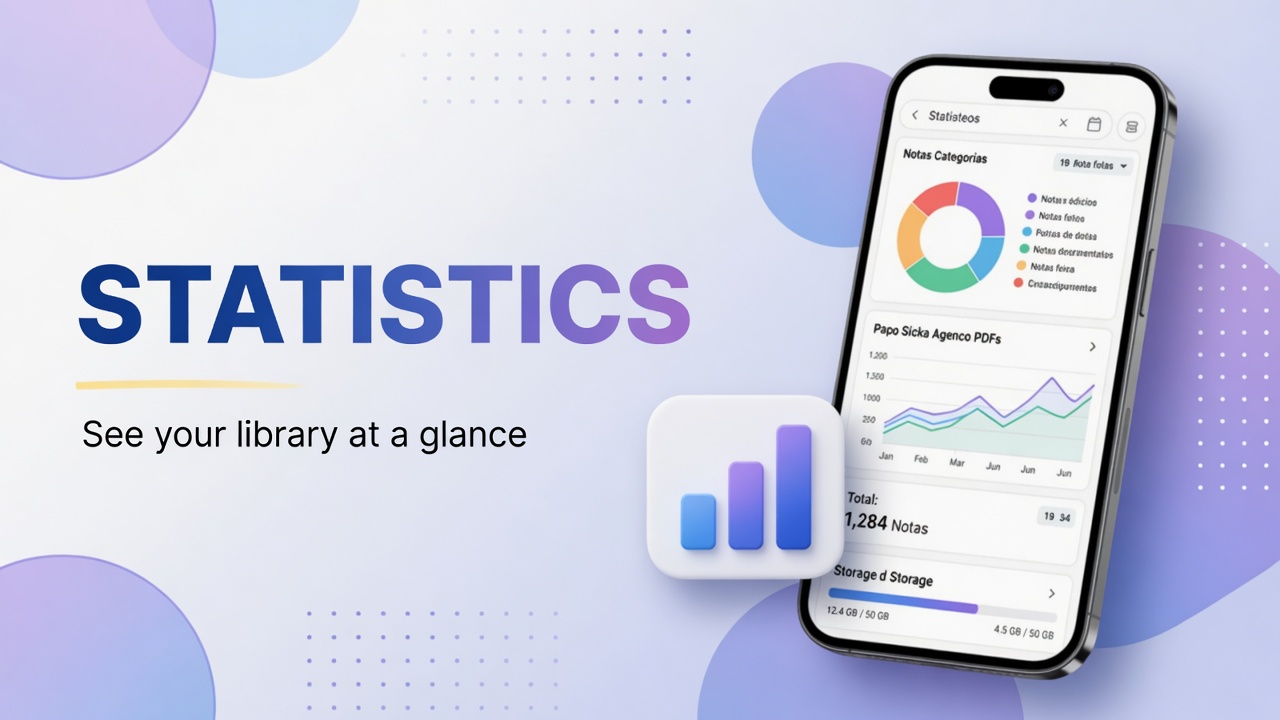
Statistics
How large your library is.
Read →
Attachments & media
Attachments
Photos, files and PDFs on a note.
Read →
Manage attachments
Review and free storage.
Read →
Record audio
Voice memos on a note.
Read →
Play audio
In-note player controls.
Read →
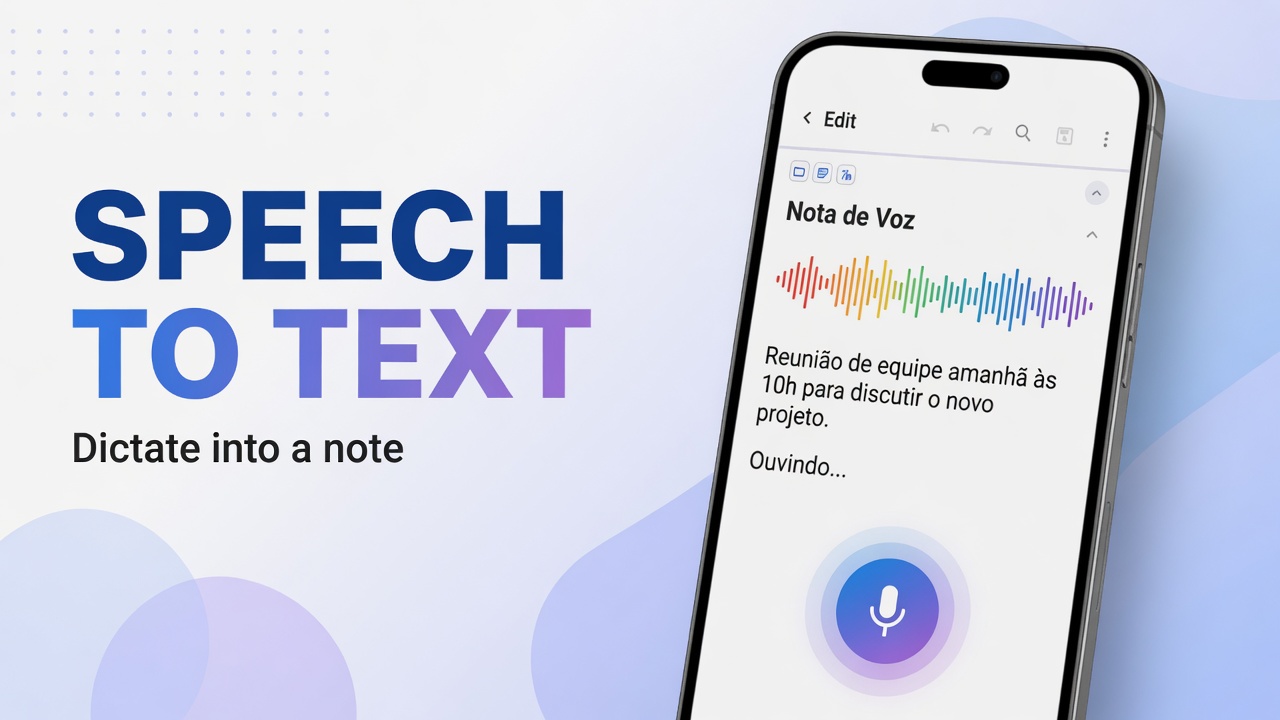
Speech to text
Dictate into the editor.
Read →
Attach video
Gallery or camera video.
Read →
Scan document
Camera as a paper scanner.
Read →
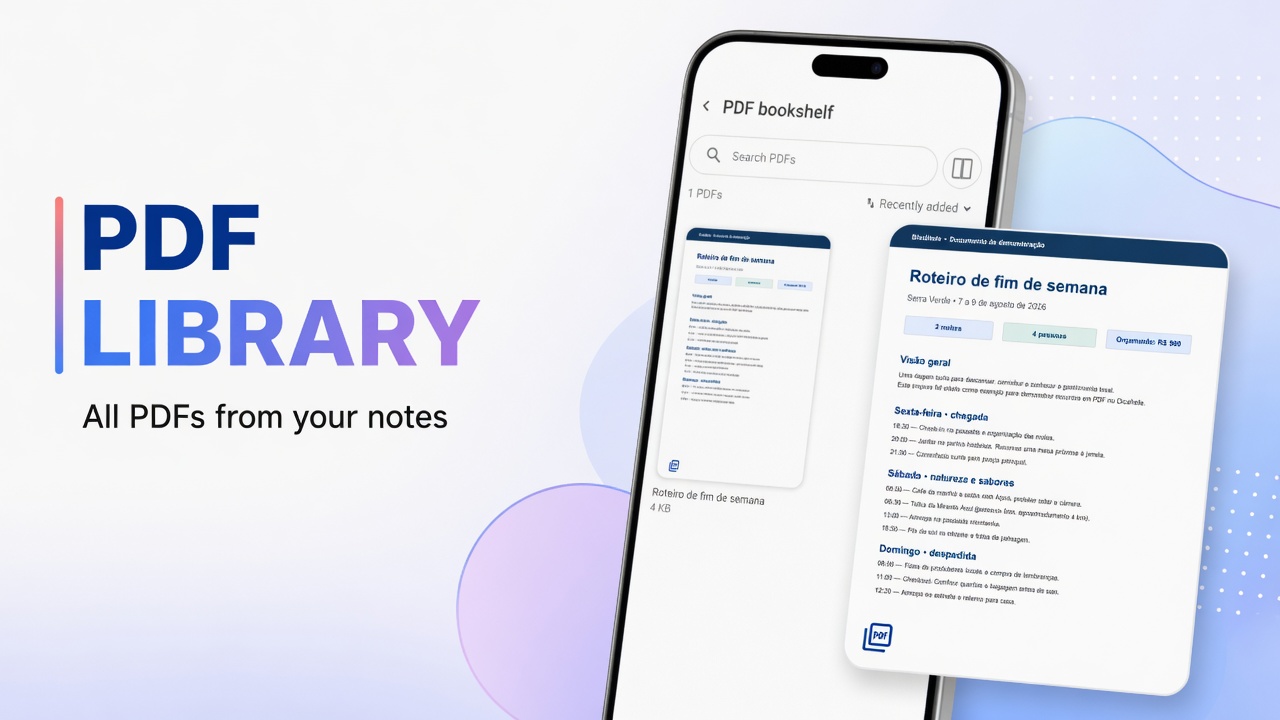
PDF library
All PDFs from notes in one place.
Read →
Drawing
Pen and sketch on a note.
Read →
Share into app
Send text from Chrome or other apps.
Read →
Time, tasks & templates
Calendar & diary
Notes by day and agenda views.
Read →
Tasks & reminders
Timed alerts and notification fixes.
Read →
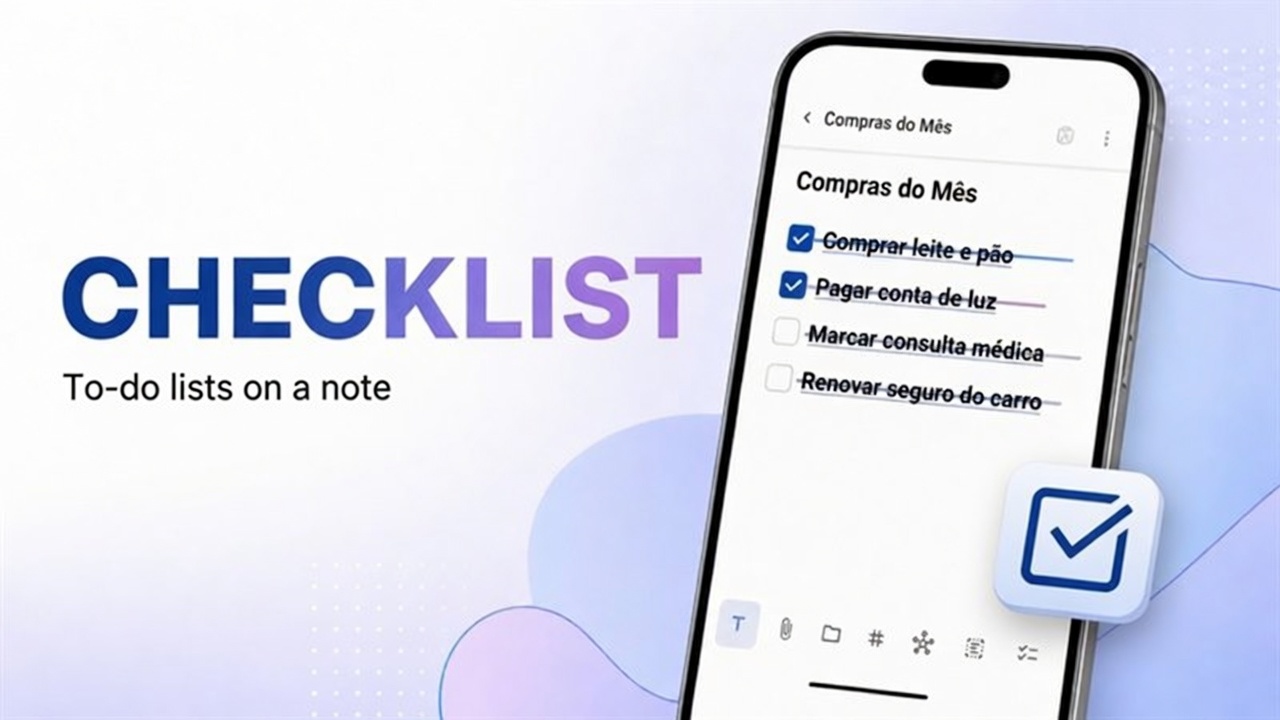
Checklist
Checkable to-do lists in a note.
Read →
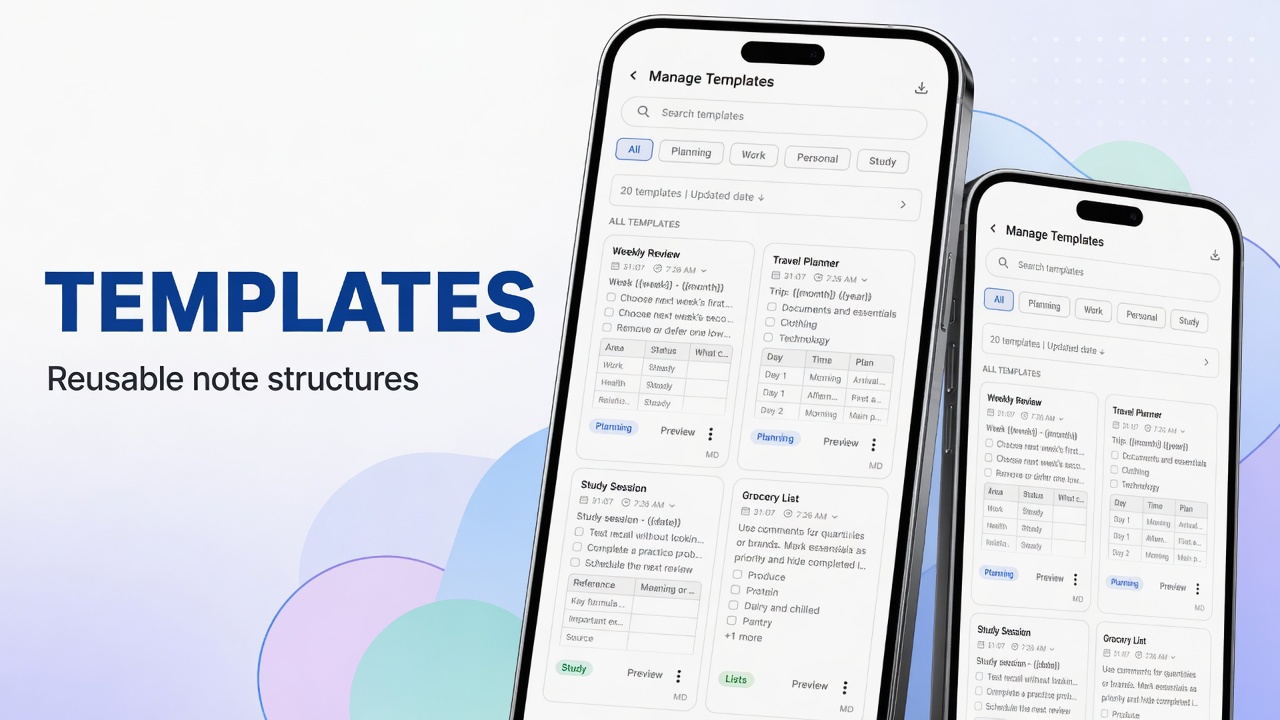
Templates
Reusable note structures.
Read →
Account, security & data
Tip: on-screen labels stay in English (e.g. Back up now). Text index: full list. Portuguese hub: DicaNote (PT).