Archiving hides the note from the day-to-day list. Unlike the trash: the content stays in the library, it just gets out of the way.
Archive a note
- Open the note or enter selection mode.
- Tap Archive (box/archive icon on the action bar).
- The note leaves All Notes / the main list and starts counting under Archive.
In bulk: select several → Archive.
Where to see the archive
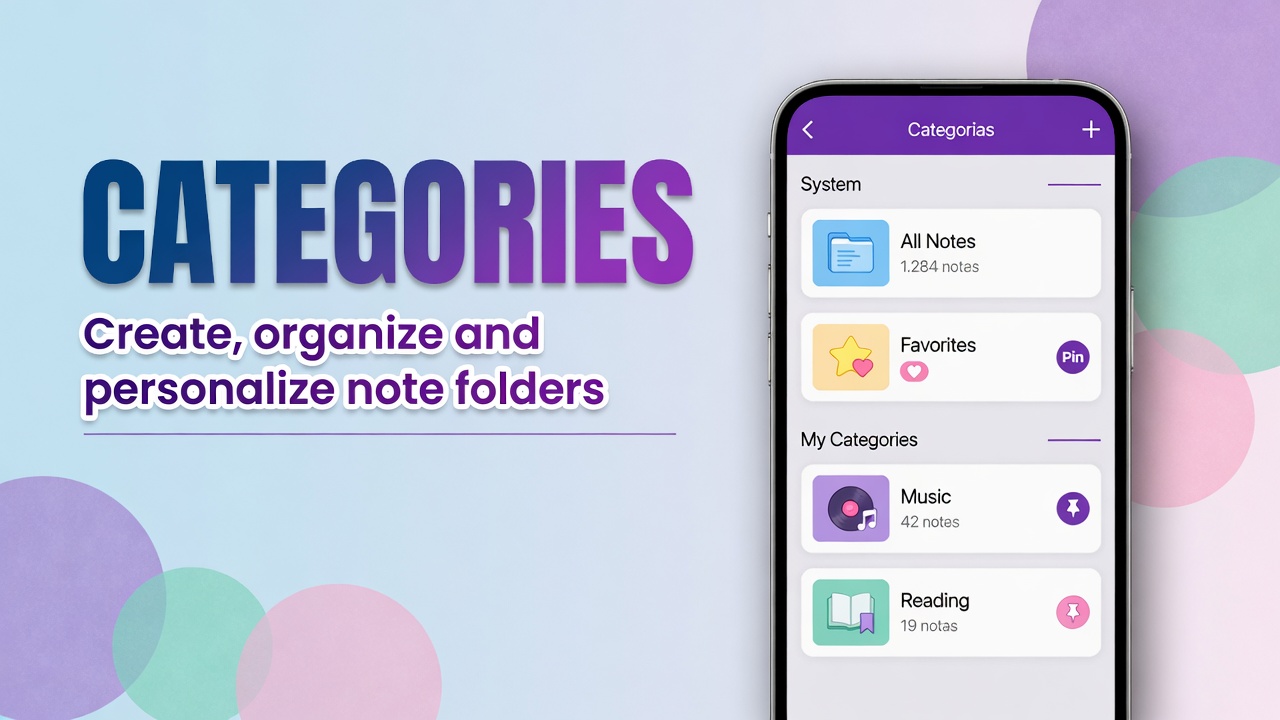
- Open Categories (shortcuts or the search panel).
- Under SYSTEM CATEGORIES, tap Archive.
Archived notes live there. Tap to open, edit or Unarchive / restore to the active list (exact label varies).
Archive vs trash vs pin
| What it does | |
|---|---|
| Pin | Keeps on top because you use it now |
| Archive | Removes from the list because you no longer use it, but may need it |
| Trash | Soft-deletes (restore window) |
Finished project, past trip, old draft: archive.
Wrong note or junk: trash.
Tip: if home is full of test Untitled notes, archive or delete in bulk. Search still finds what is in Archive if you know the term.
FAQ
Does archiving delete attachments?
No. PDF, audio and images go with the archived note.
Does an archived note go into backup?
Yes in the sense that it is still part of the library. Confirm with a test restore.
How is it different from Favorites?
Favorites highlight what you like. Archive hides what is already past.