A DicaNote note holds text and the rest of the material for the topic: photo, PDF, recording, video, drawing, link. The paperclip on the bottom bar is the entry point.
Open the attachments panel
- On the notes list or inside a note, tap the paperclip.
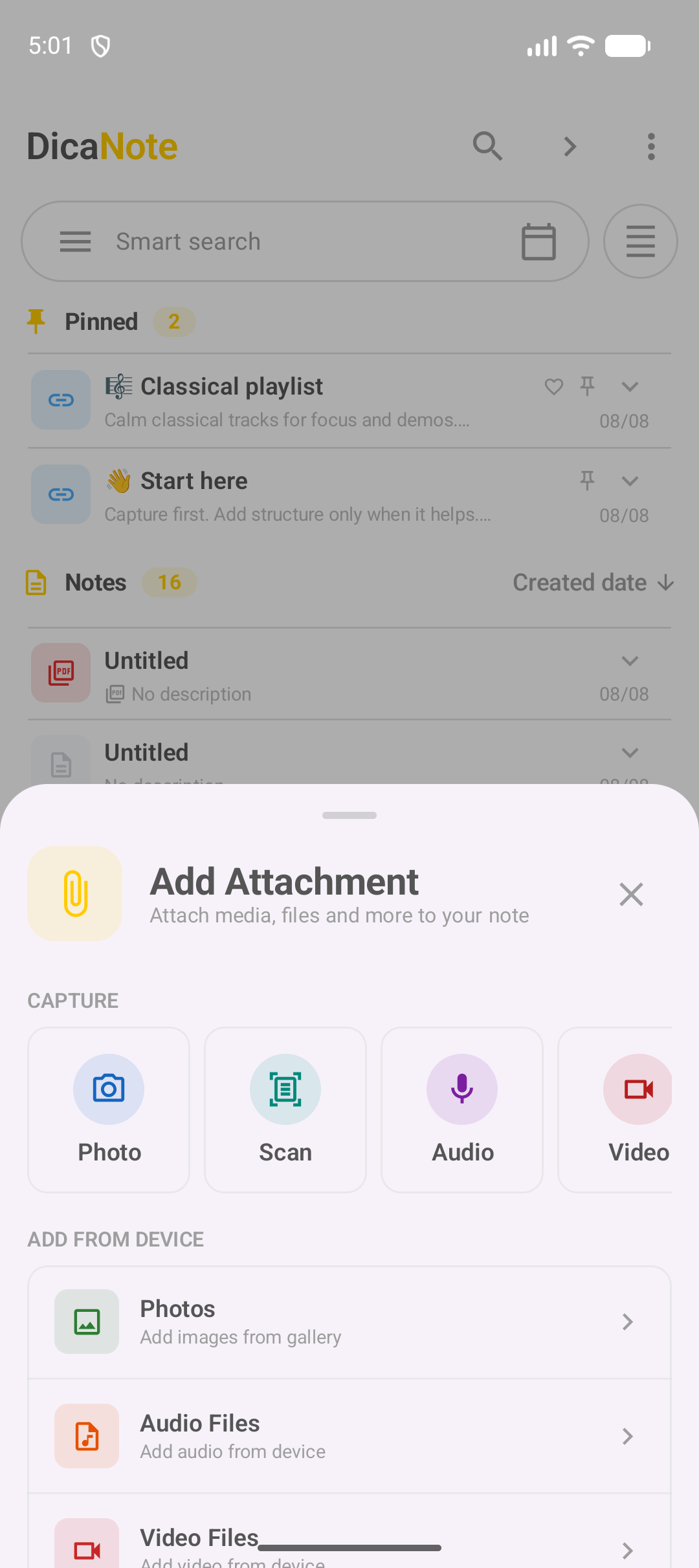
- The Add Attachment panel splits into capture and files on the device.
Android may ask for photos, camera, microphone or files permission. Allow only what the action needs.
Capture: what each button does
| Option | Typical use |
|---|---|
| Photo | Take a photo now and put it on the note |
| Scan | Digitize paper as multi-page PDF or images |
| Audio | Record sound with a player on the note |
| Video | Record video with the camera |
For full step-by-step recording and scanning, see:
Files already on the device
In the same panel:
- Photos — gallery;
- Audio Files — music and recordings;
- Video Files — device videos;
- other document rows, depending on version.
Example: attach a video from the gallery
- Paperclip → Video Files.
- In the Android picker (Photo Picker), choose the video. The system may warn that DicaNote only accesses what you select.
- Confirm (Done).
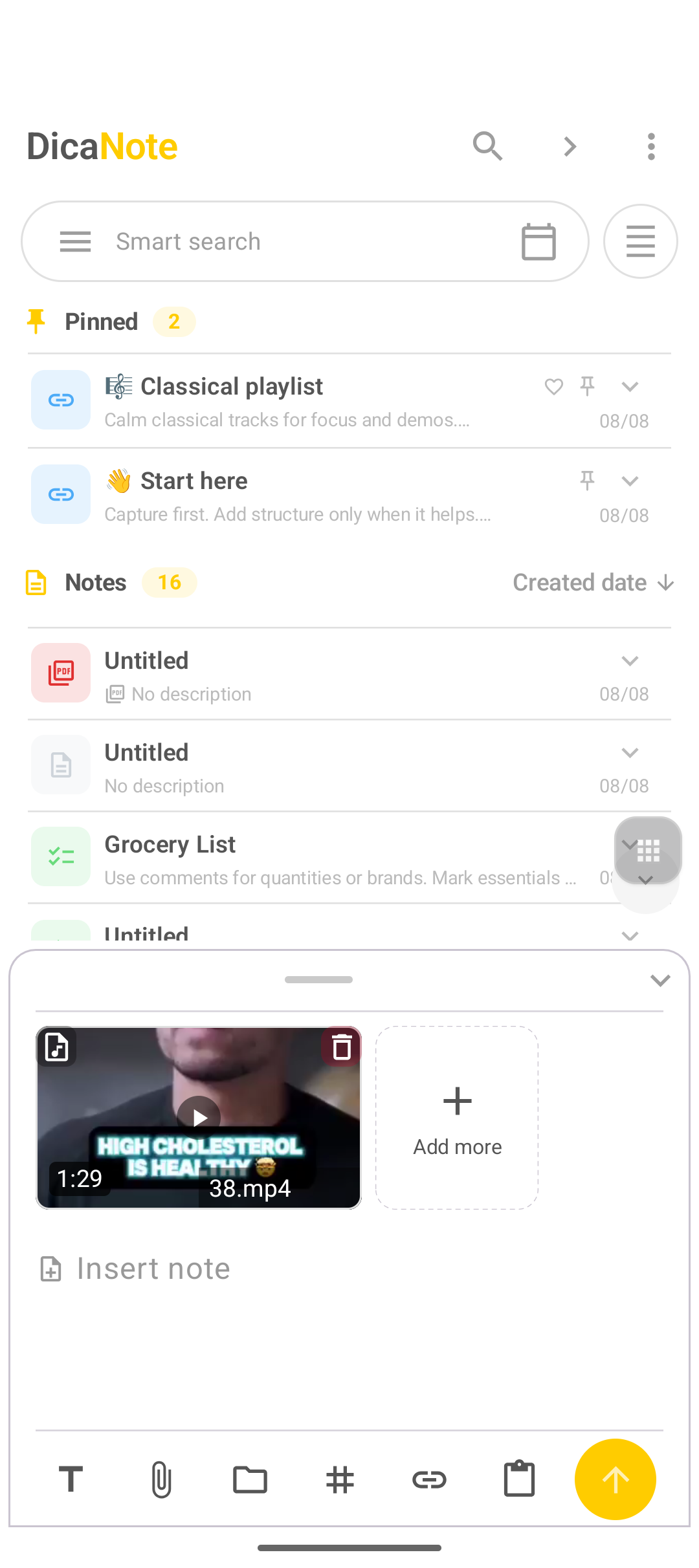
- The note shows a thumbnail, duration (for example 1:29) and the file name. There is Add more if you want another attachment.
Find all attachments
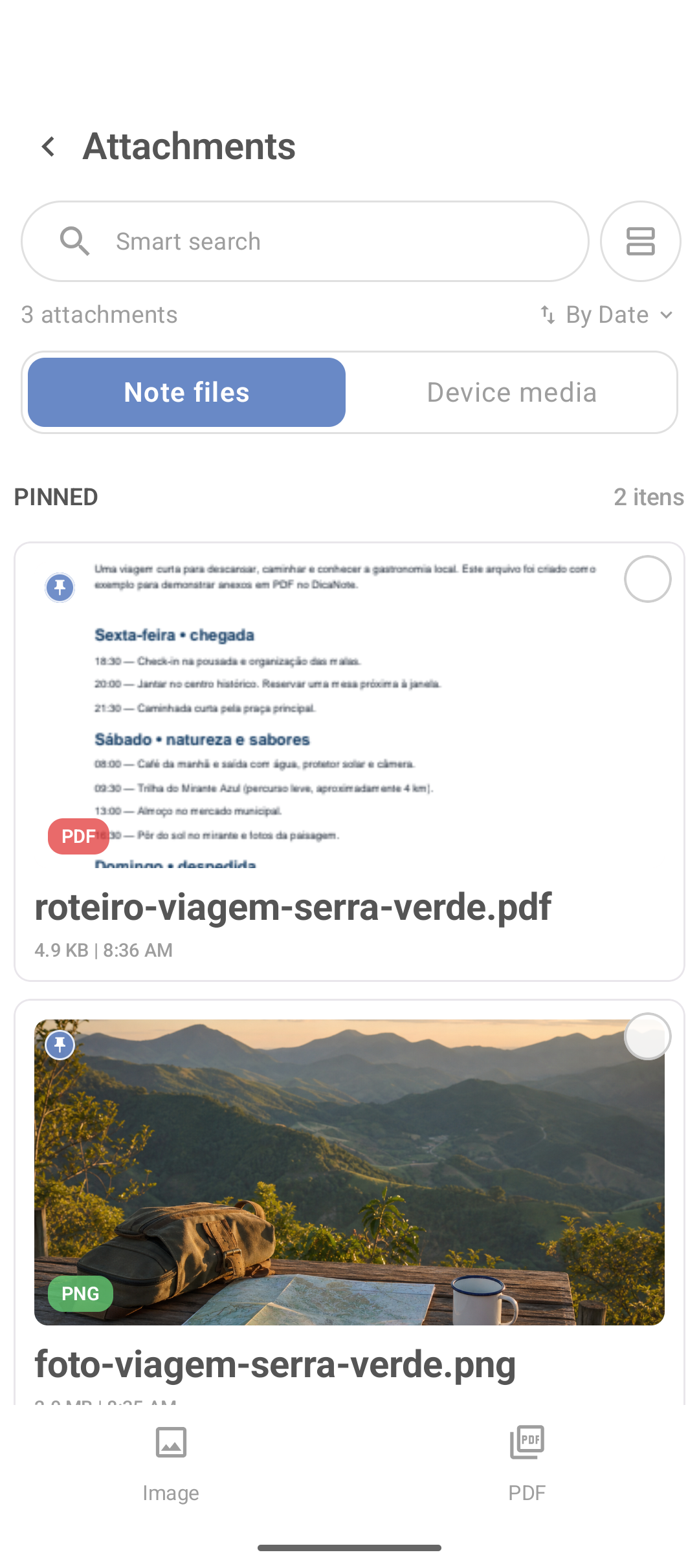
Three-dot menu → Attachments. The screen gathers files from notes and, on another tab, media from the device.
Organize without clutter
- Readable note title (“Monitor receipt 2026”, not “Untitled”).
- One line in the body explaining the attachment.
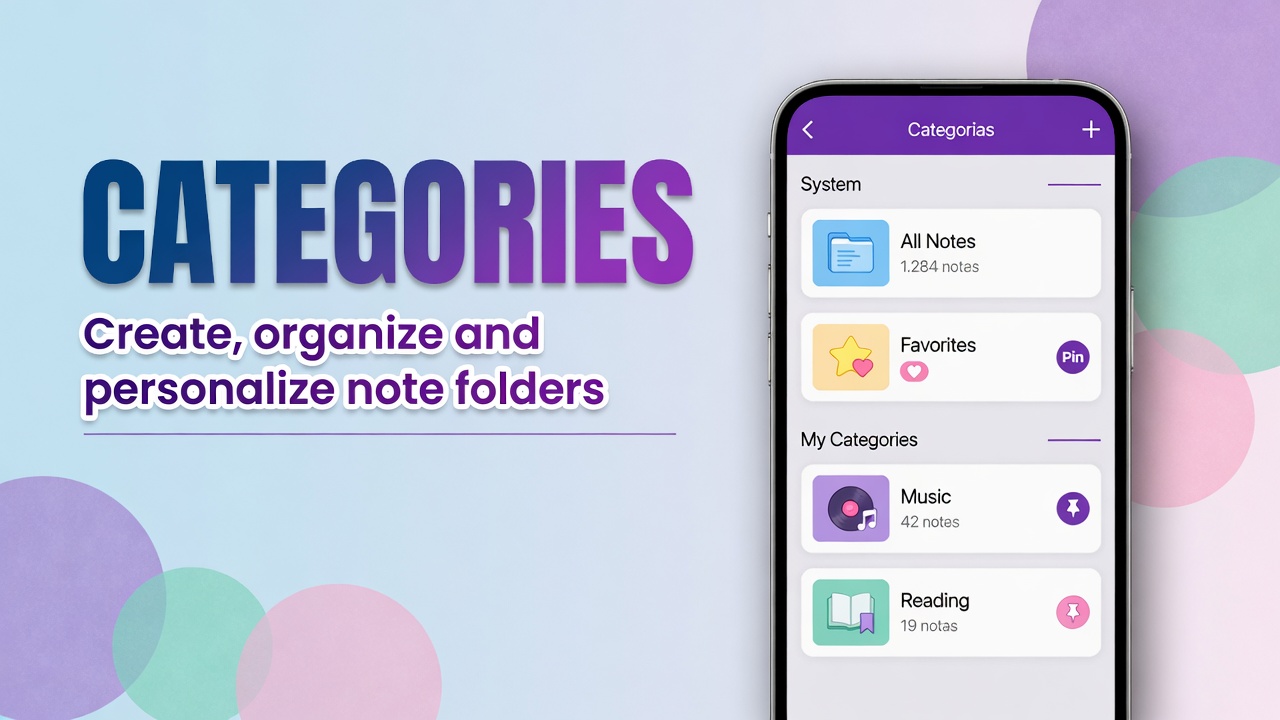
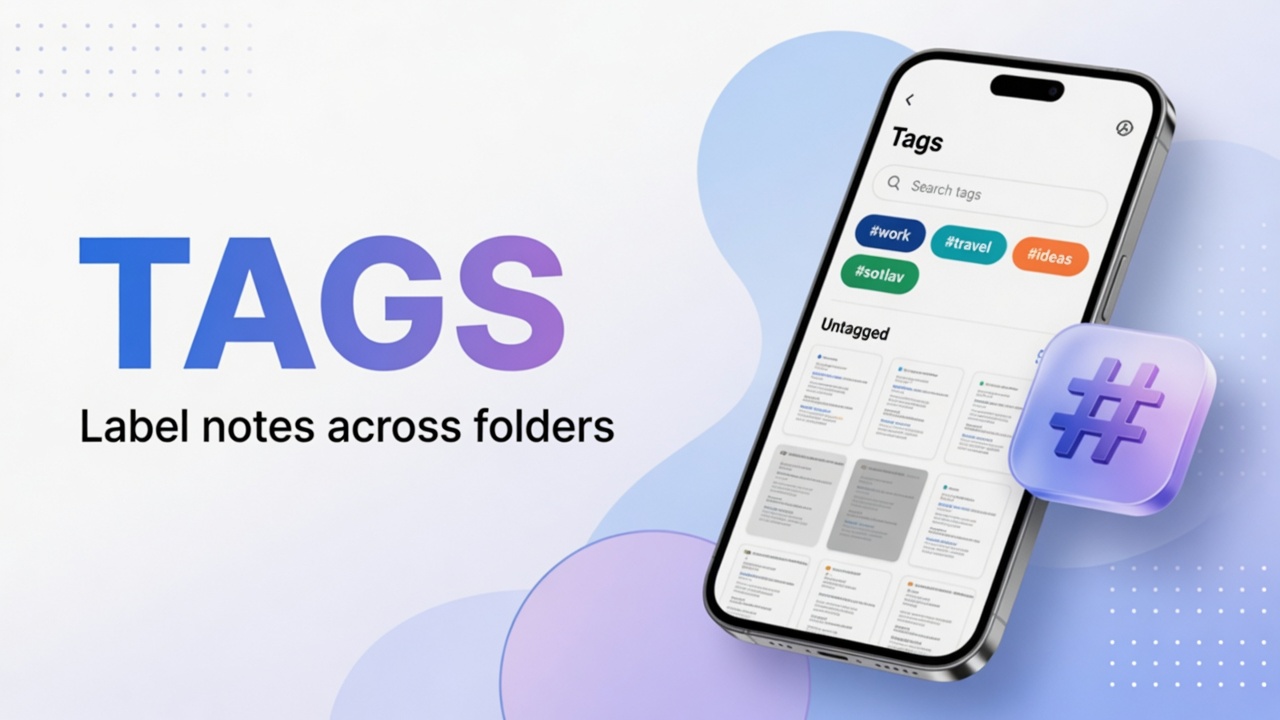
- Project category; tags only if you reuse them (“receipt”, “contract”).
- Avoid three copies of the same PDF in different notes — merge or delete the extras. There is a merge notes tutorial.
Warning: before deleting a note or clearing app data, check that backup includes those attachments.
PDFs and reading
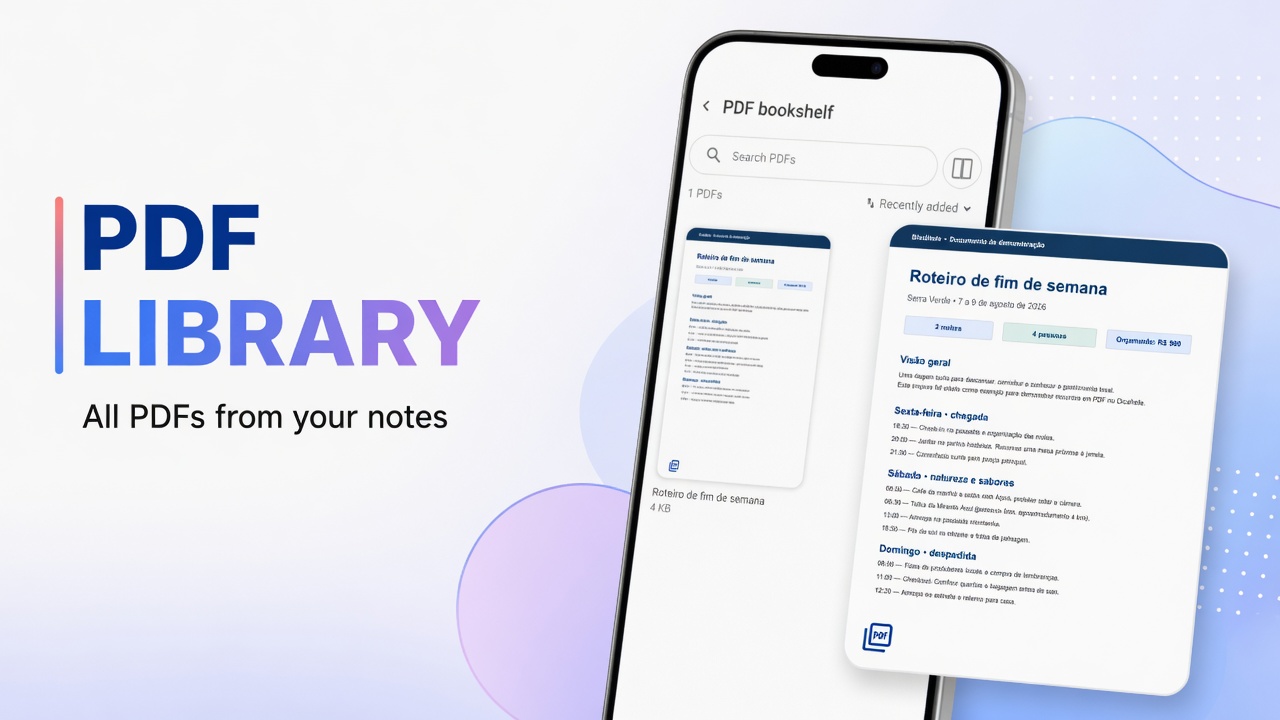
The PDF bookshelf in the main menu concentrates PDFs. For reading and organization, combine with the PDF library and with scan when the source is paper.
FAQ
Where do the files I attached live?
On the note itself and in the Attachments manager from the main menu.
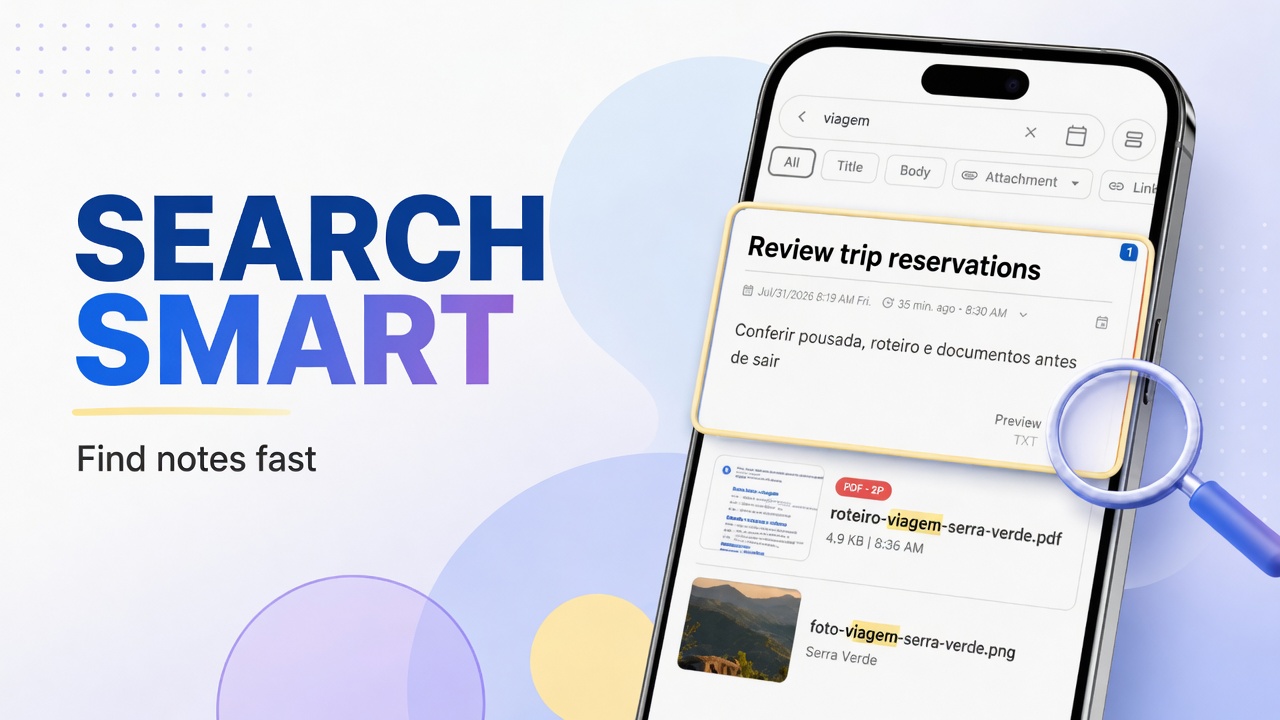
Can I search an attachment by name?
Yes. Use search at the top of the Attachments screen.
What is the difference between Note files and Device media?
Note files are content linked to notes. Device media shows media on the device, according to permissions.
Can I record audio and attach video on the same note?
Yes. Use the paperclip again (Add more or reopen the panel) and add the next type.
The paperclip will not open after a PDF?
Dismiss the keyboard, leave and reopen the note, or attach from the list with the bottom-bar paperclip. If it continues, update the app and report the version.
Text alone solves a lot. When the topic depends on proof (photo, receipt, recording), the attachment makes the note complete for real.