DicaNote joins notes and time. In Agenda you see the day; in Month, the month; in Diary, a record of what happened. Tasks with dates land here too.
How to open
- Menu ⋮ → Agenda, or
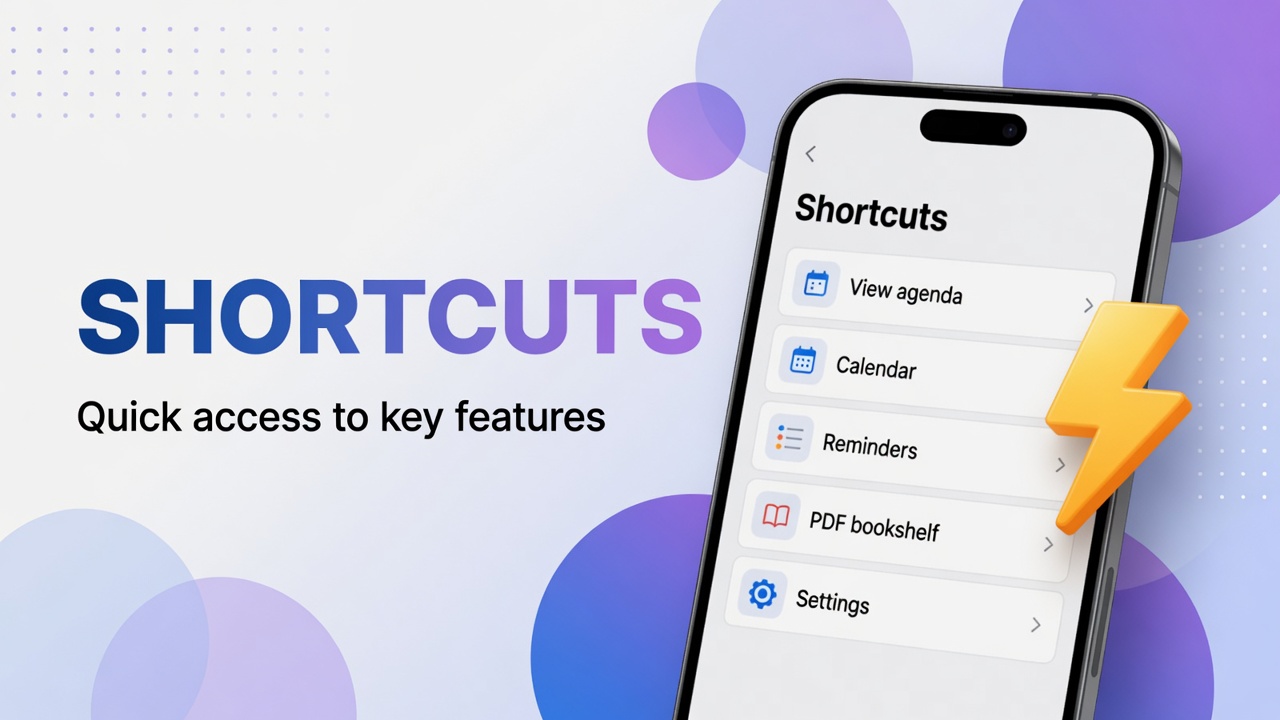
- Shortcuts → View agenda, Calendar, Diary, Reminders, Important Dates.
Day agenda
The Agenda tab shows the day strip and what is marked on the selected date: event, task, diary.
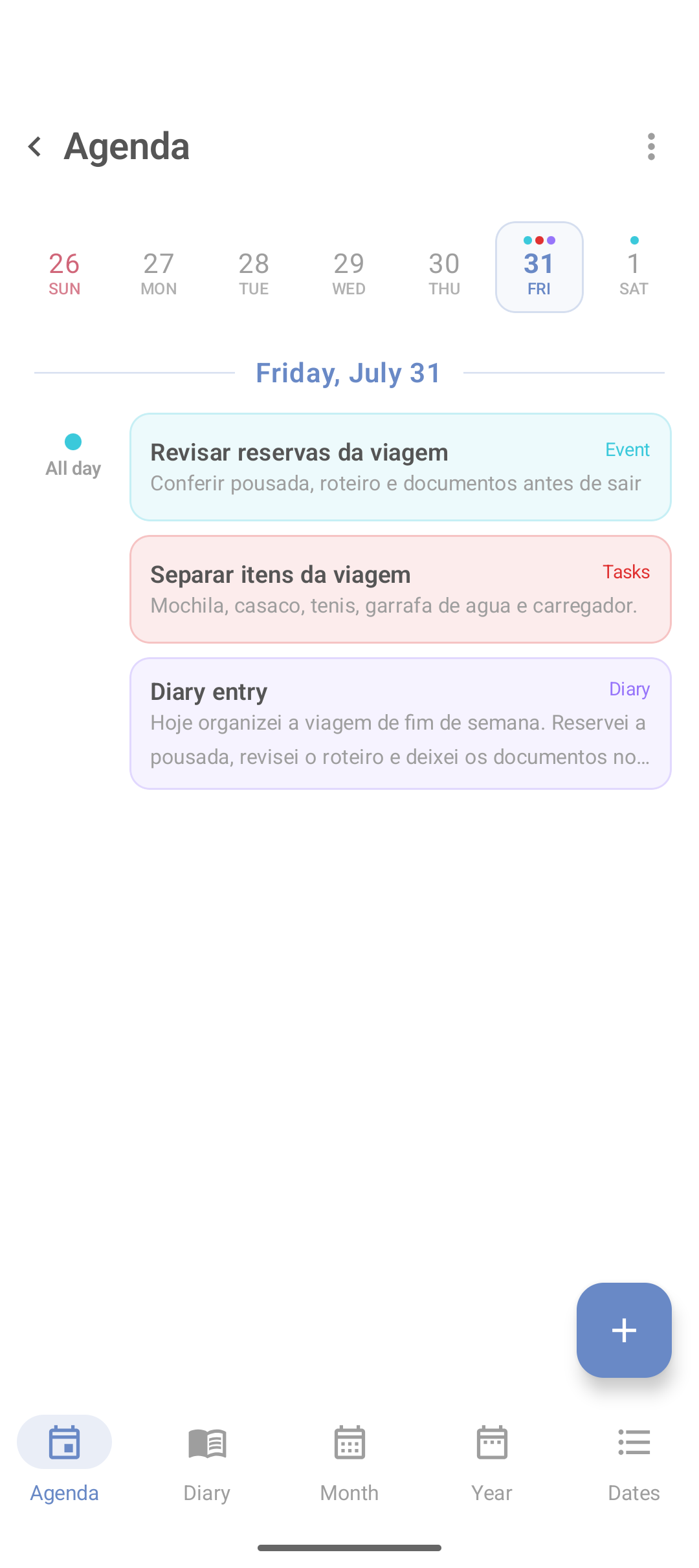
- Tap the day.
- Tap +.
- Choose the type (event, task, etc., depending on version).
- Fill title and time.
- Save.
For an action with a notification: tasks and reminders.
Monthly calendar (Month)
On the bottom bar of the time area, tap Month. Arrows change the month; Today jumps to today.
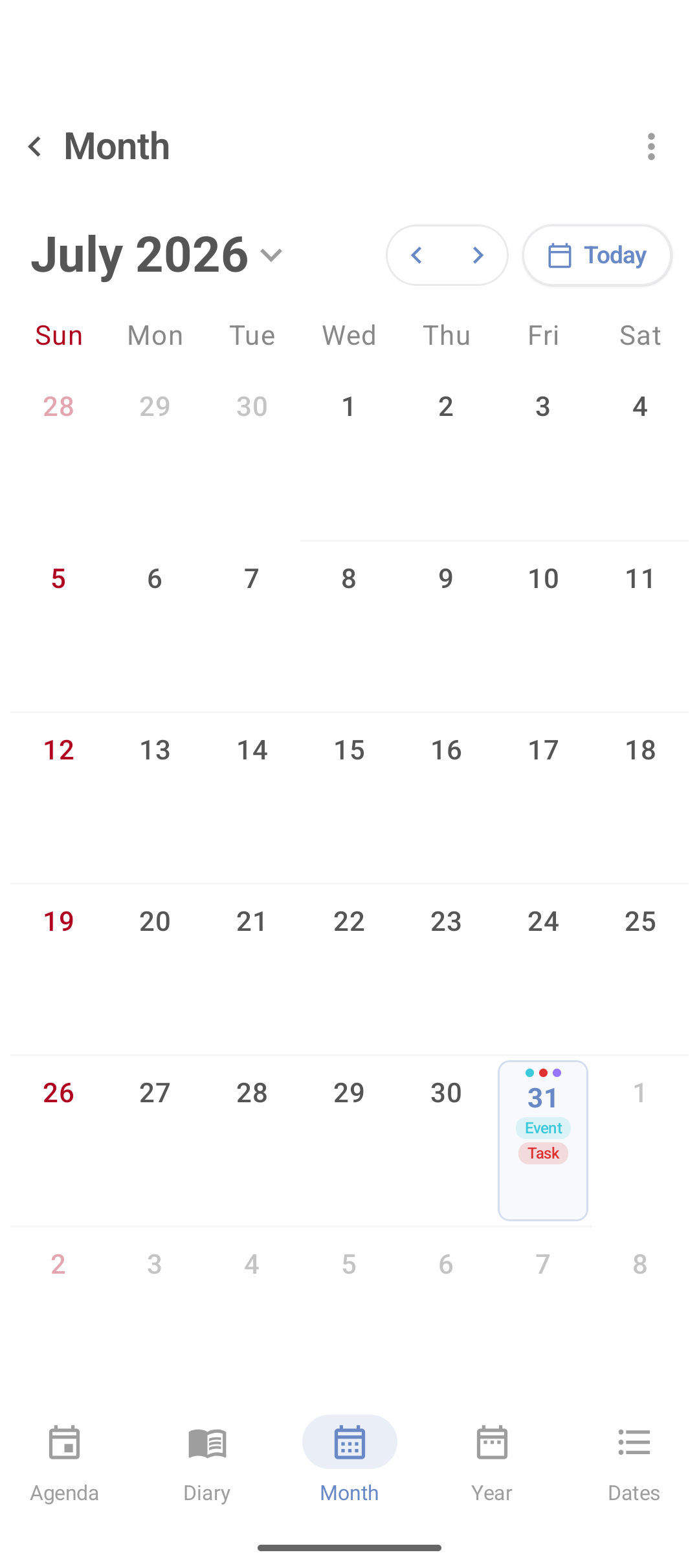
Other useful tabs:
- Year — jump between months of the year
- Dates — list of milestones
Important dates (Dates)
Birthdays, trip, contract deadline. The app may show how many days remain.
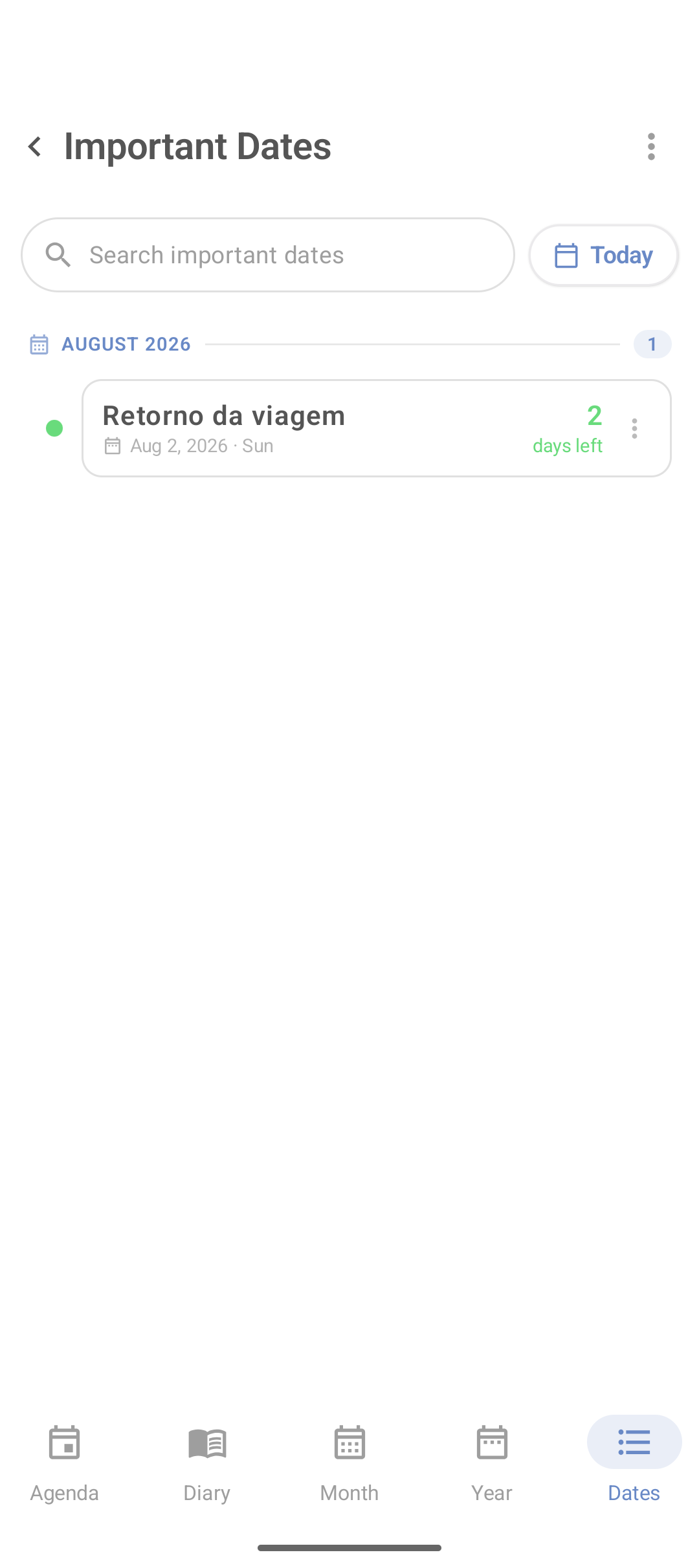
In Shortcuts the Important Dates card opens the same kind of list.
Diary
A timeline by day. Write a few lines: what happened, what you learned, what stayed pending.
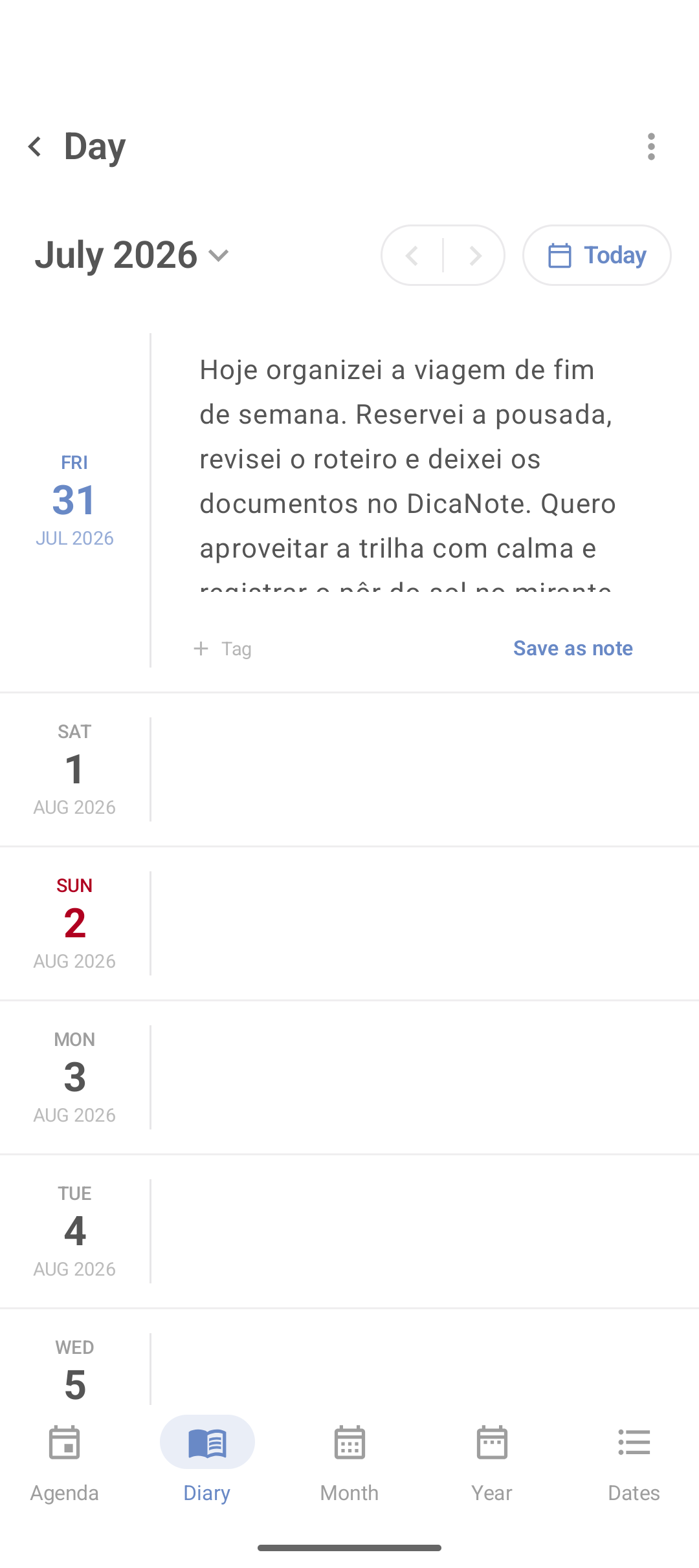
If the text becomes a project, use Save as note and continue in the full editor (attachments, links, categories).
Simple routine
- Morning: Agenda or Shortcuts → Today.
- During the day: mark completed tasks.
- Evening: two lines in Diary.
- Sunday: Month for the week ahead.
FAQ
Are agenda and diary the same?
No. Agenda is what is scheduled. Diary is a record of what happened.
How do I jump back to today?
On the monthly calendar, tap Today.
Can I turn the diary into a note?
Yes, with Save as note, when the option is available.
Where do I see only reminders?
Shortcuts → Reminders, or the reminders filter on Agenda if the version shows it.