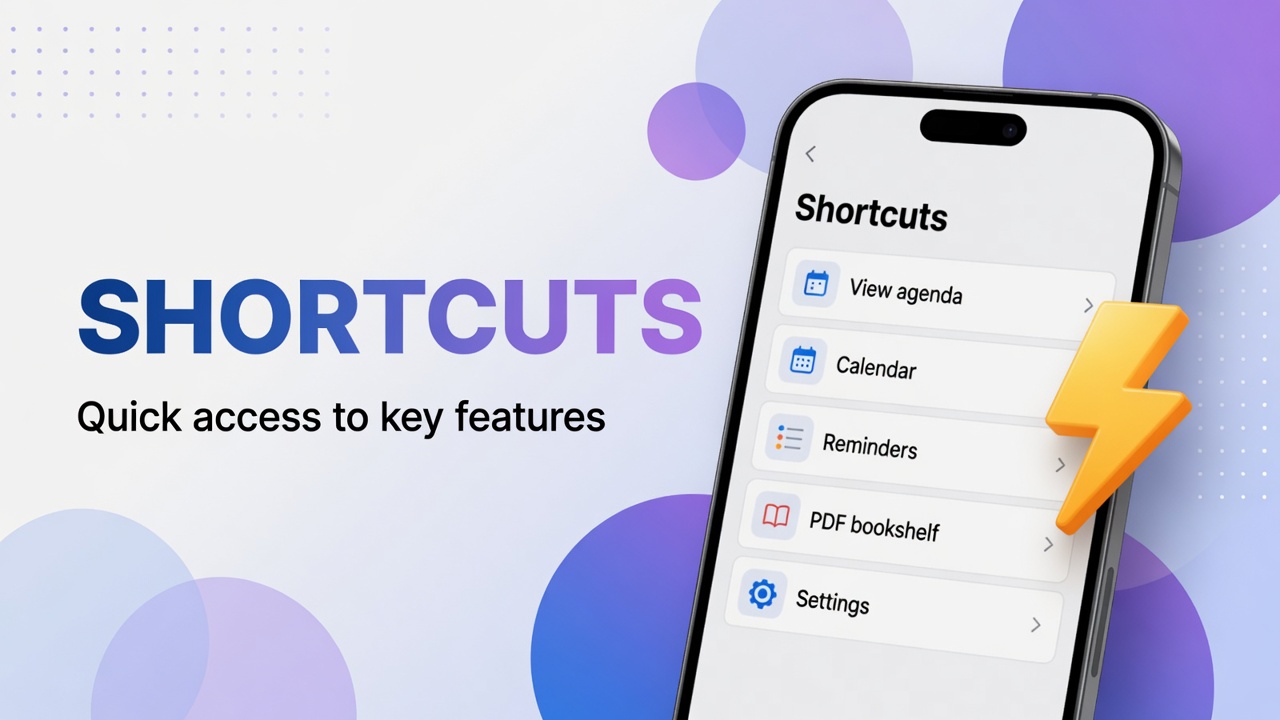
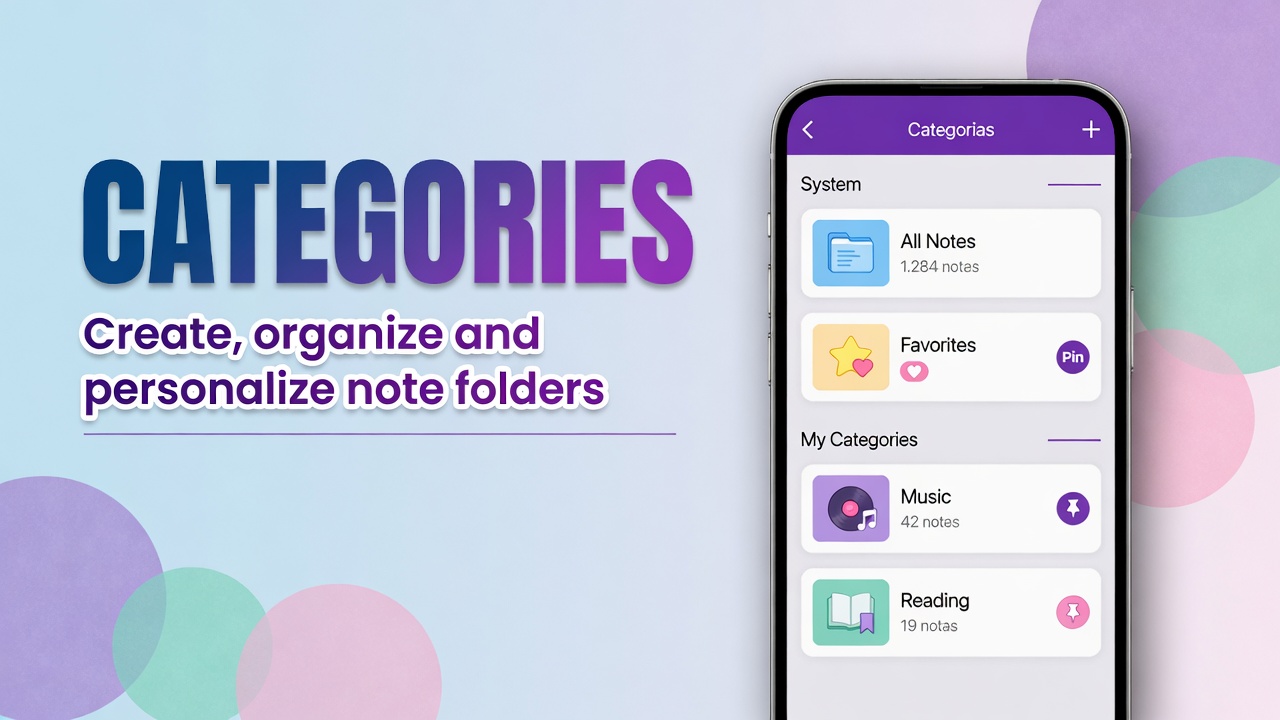
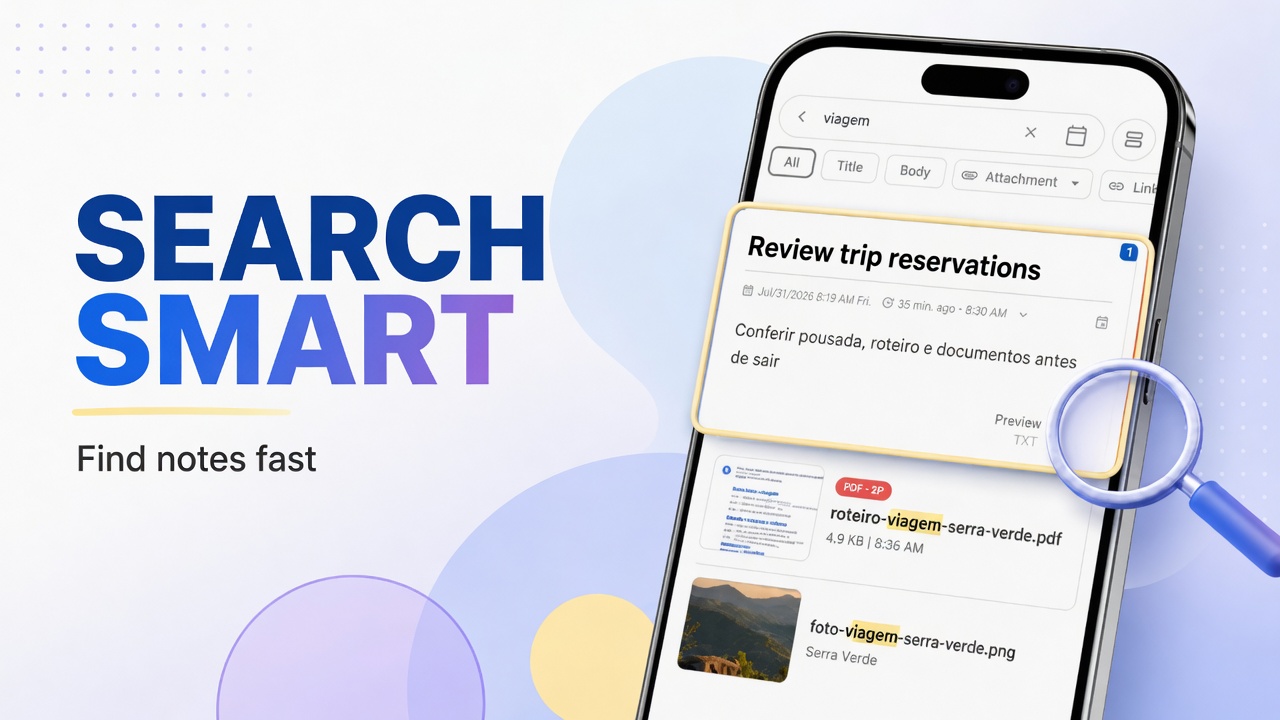
Contracts, handouts, receipts and e-books become attachments. They show up in Library, on the PDF chip along the bottom bar.
Open the PDFs
- Tap ⋮ on home.
- Tap Library.
- Tap PDF. If the library has no document yet, that chip is hidden.
- Search by name and open the file.
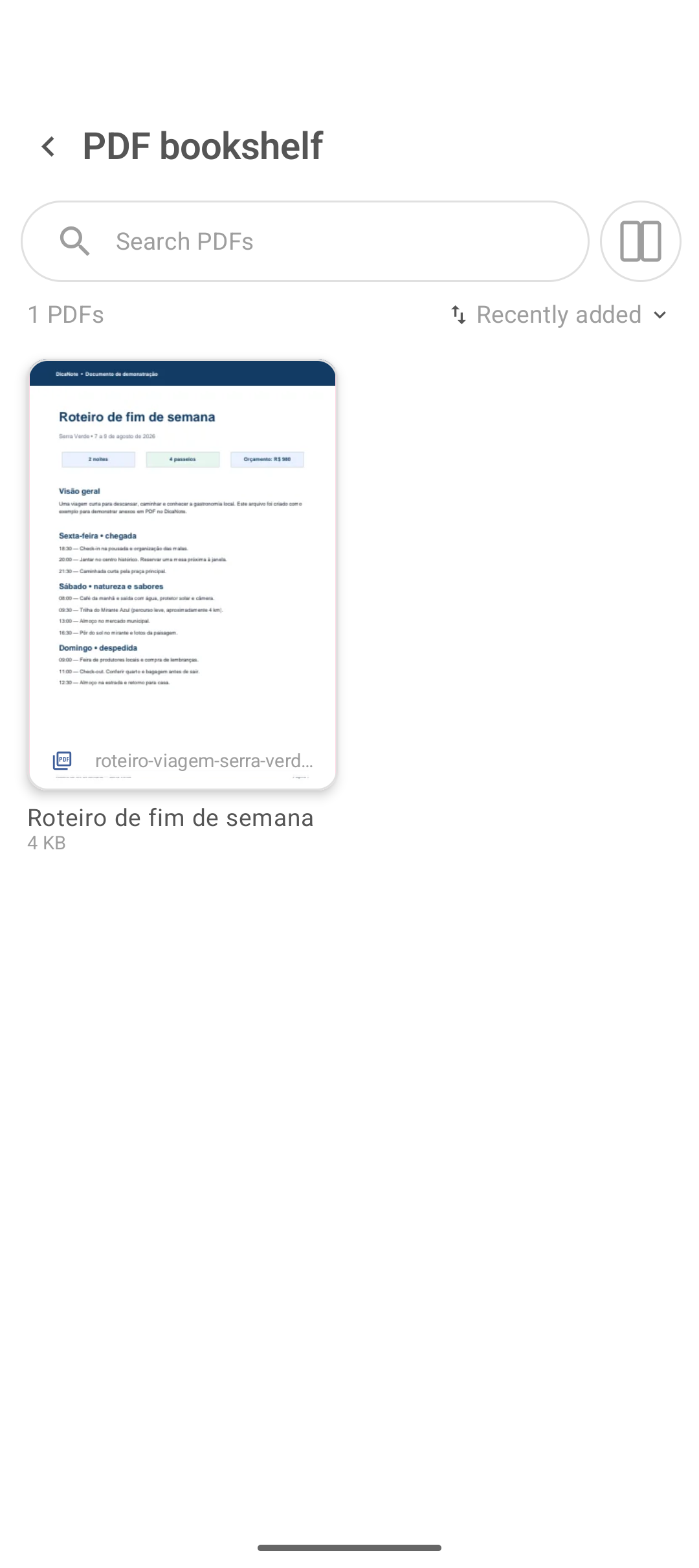
How the PDF gets there
| Source | Guide |
|---|---|
| File from the phone (paperclip) | Attachments |
| Paper scanned as PDF | Scan document |
| Batch import | Import / Export |
After it is saved on the note, the file appears in Library, under the PDF filter.
Reading and context
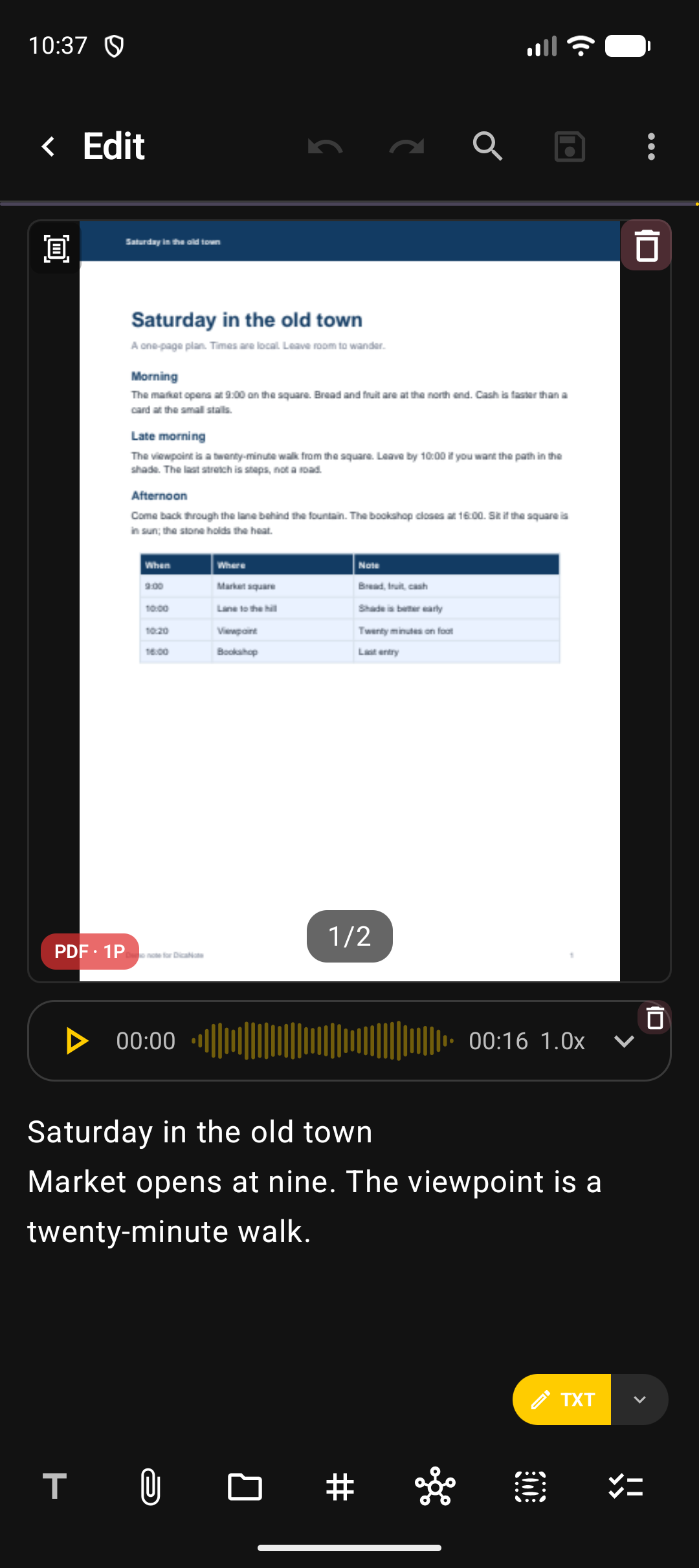
Open the viewer by tapping the item. On the parent note keep:
- why the document matters;
- protocol number or date;
- link to the project note.
Smart search picks up note text better than OCR on a scan — summarize in one line.
Mixed files or PDF only
- With no filter, Library mixes whatever you have (photo, audio, video, PDF).
- The PDF chip keeps only documents.
Cleanup
Duplicate PDF: open both notes and use Find Duplicates or merge if the text is the same. Wrong file: remove the attachment and check the trash if you deleted the whole note.
FAQ
Can I have a PDF without a note?
The app model is note + attachment. Create a short note just for the file if you need to.
Does a 2-page scan become one PDF or two?
With PDF document, one file. One page shows PDF · 1P; two pages show PDF · 2P.
Does the PDF go into backup?
Treat it as part of the library and validate with a test restore. Guide: backup.
Can I annotate on top of the PDF?
Depends on the version’s viewer. If there is no markup, use a sibling note with comments and an internal link.