Home has the Smart search field. Type words from the title, body or tags and the list filters.
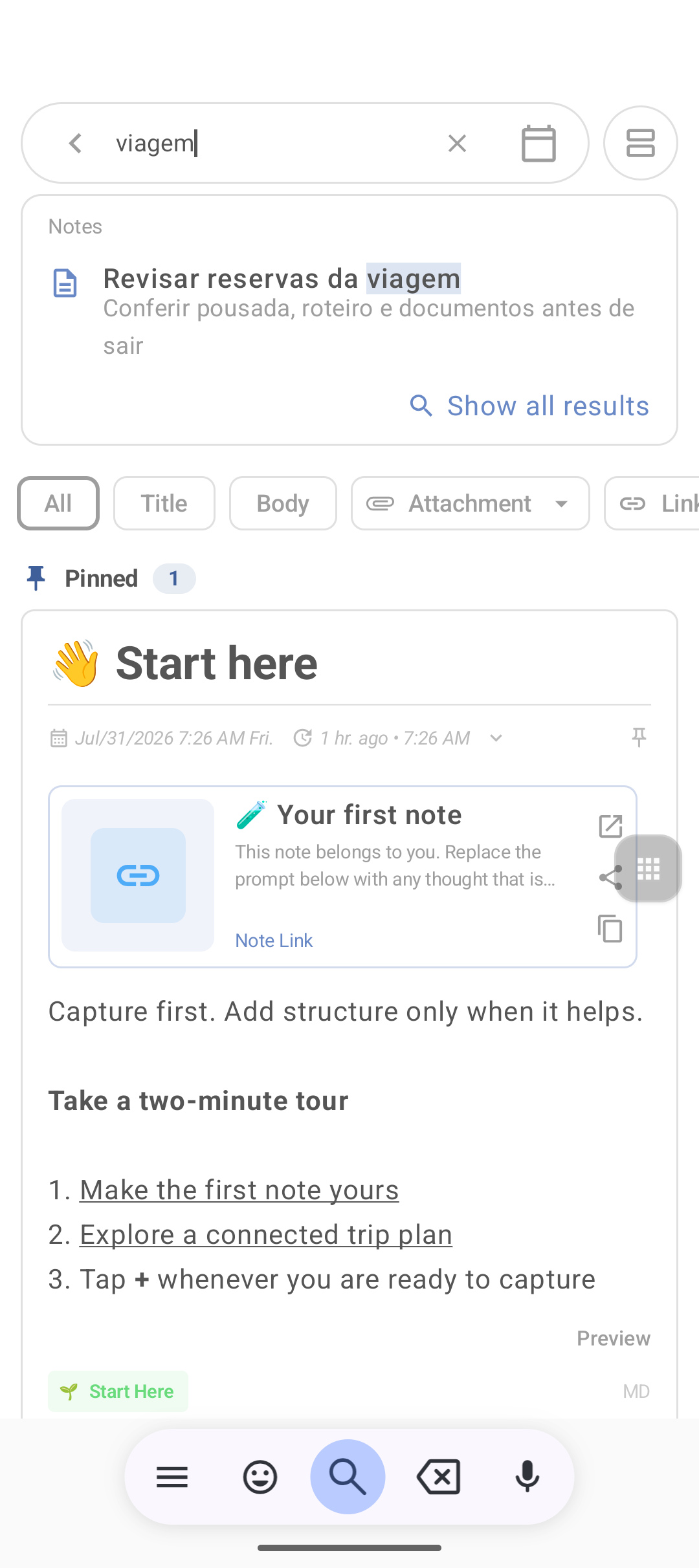
How to search
- Tap Smart search (or the magnifier).
- Type a short, specific term (inn, invoice, client name).
- Scroll the results.
- Clear the field to return to the full list.
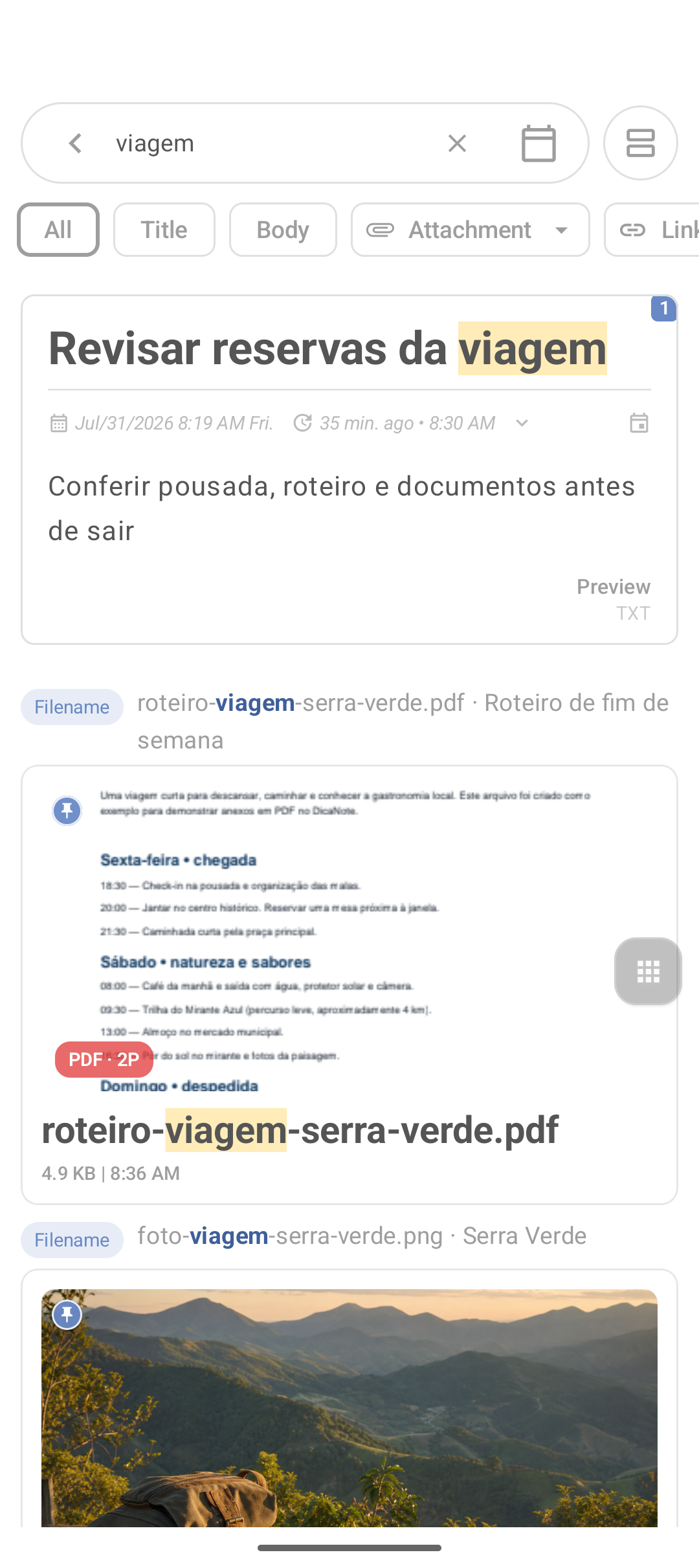
Search + categories and tags
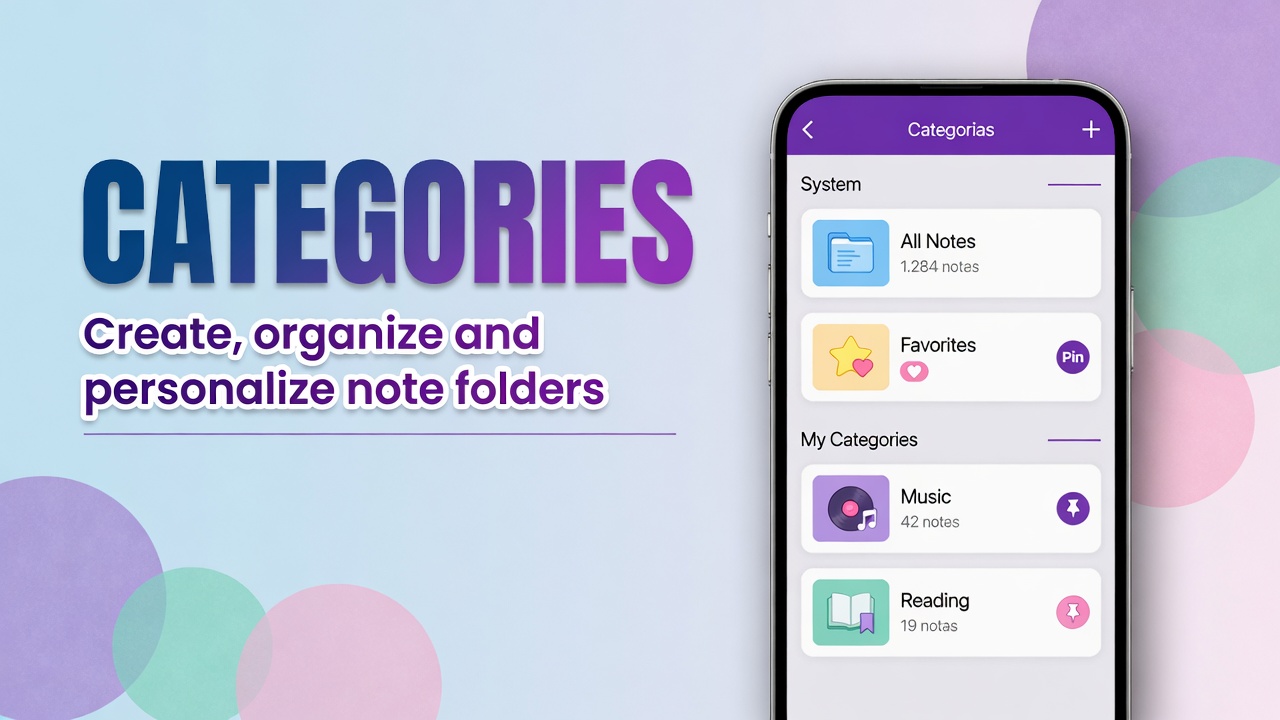
- Menu icon next to search → restrict by category.
- Consistent tags (
#receiptalways the same) make filters worth it.
Organize with categories and tags.
After search: bulk actions
With a filtered list, use bulk selection to tag or archive what remains.
What search does not do well
| Problem | Mitigation |
|---|---|
| Audio/video without text | Write a summary on the note |
| Dozens of Untitled | Rename after capturing |
| Image-only PDF (scan) | Keywords in the note body |
| Private note | Open Private Notes / enter the PIN |
Shortcuts that avoid searching
FAQ
Does search look inside attachments?
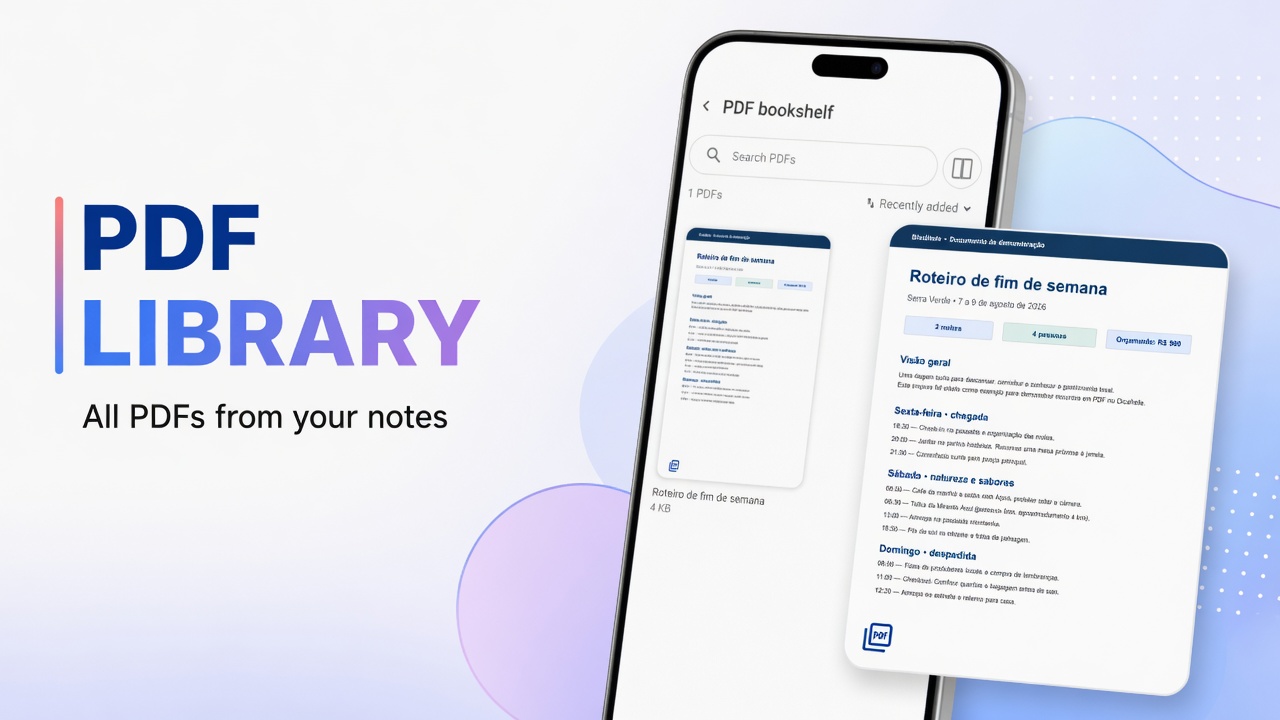
Count on the note text. For PDF and media, a body summary is the safe path.
Can I search by date?
Sort the list by date or use Agenda. Word search remains the main axis.
It cannot find a note I know exists
Check Private Notes, archive, trash and the real title. Try a word from the body.