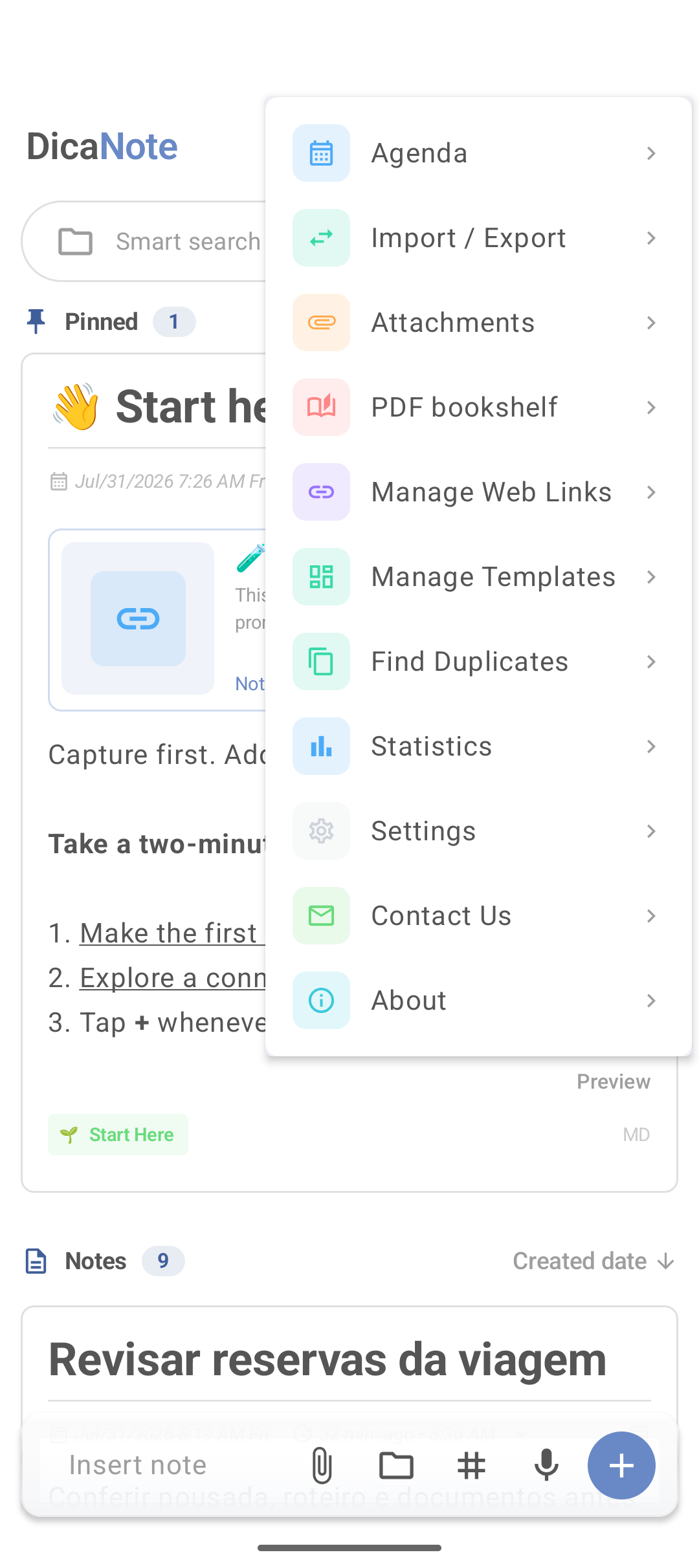
Statistics in the main menu shows a summary of what is stored. It is not a productivity dashboard with goals — it is a mirror of the library.
Open
- ⋮ on home
- Statistics
What it is for in practice
| If the numbers show… | Consider… |
|---|---|
| Many notes | Archive what is already past |
| Many Untitled | Rename or search and clean |
| Bloated library | Duplicates, merge |
| Many attachments | Attachments and backup |
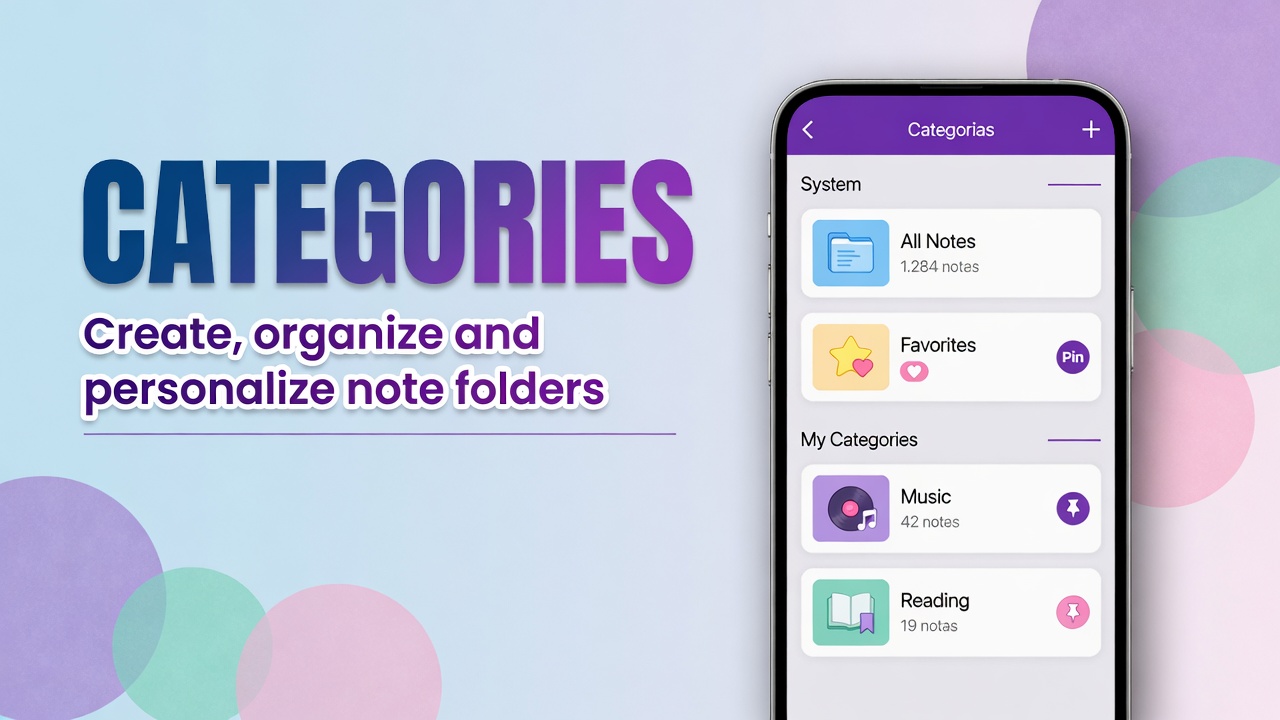
Home counters (Notes 18, Pinned 2) and the Categories screen already give a quick thermometer without opening Statistics.
What Statistics does not replace
- Agenda and reminders → tasks
- Backup → import/export
- Security → PIN
FAQ
Do the numbers include the trash?
Usually the main count focuses on the active library. Trash has its own count under Categories.
Do I need to look at Statistics every day?
No. Use it when the list feels heavy or before a large cleanup.
Menu map: DicaNote features.