You do not need a complex folder tree. DicaNote works well with a few categories, light tags, and smart search.
Categories
Categories are broad buckets such as Travel, Personal, or Work.
- Open a note.
- Tap the folder icon on the bottom bar.
- Create or select a category.
- Save the note.
From home, open the categories control (menu icon inside the search bar) to browse by category.
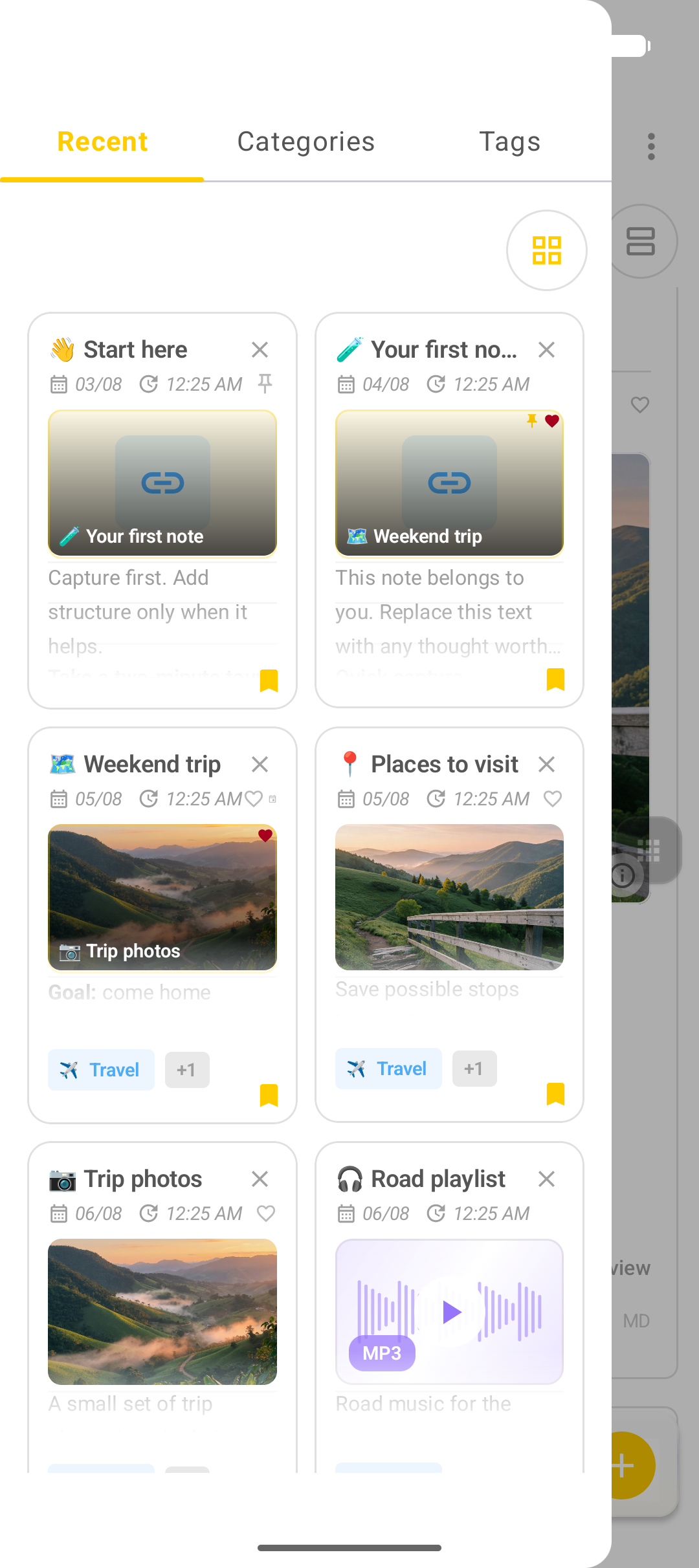
Tags
Tags are flexible labels such as travel, photos, urgent, or ideas.
- Open a note.
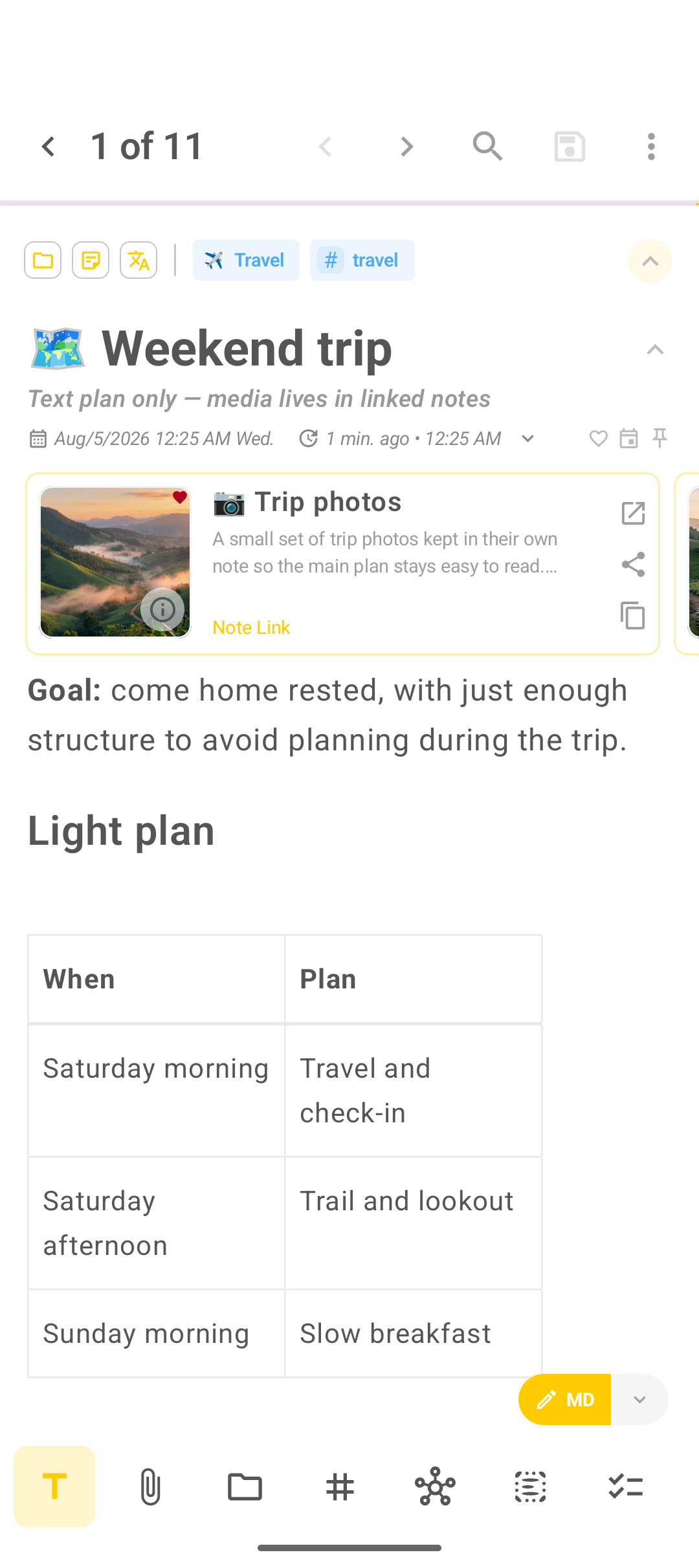
- Tap # on the bottom bar.
- Add one or two tags that match how you search later.
- Save.
Search
Use Smart search on the home screen to find text across titles and note bodies. Good titles and a couple of tags beat deep nested folders.
Practical pattern
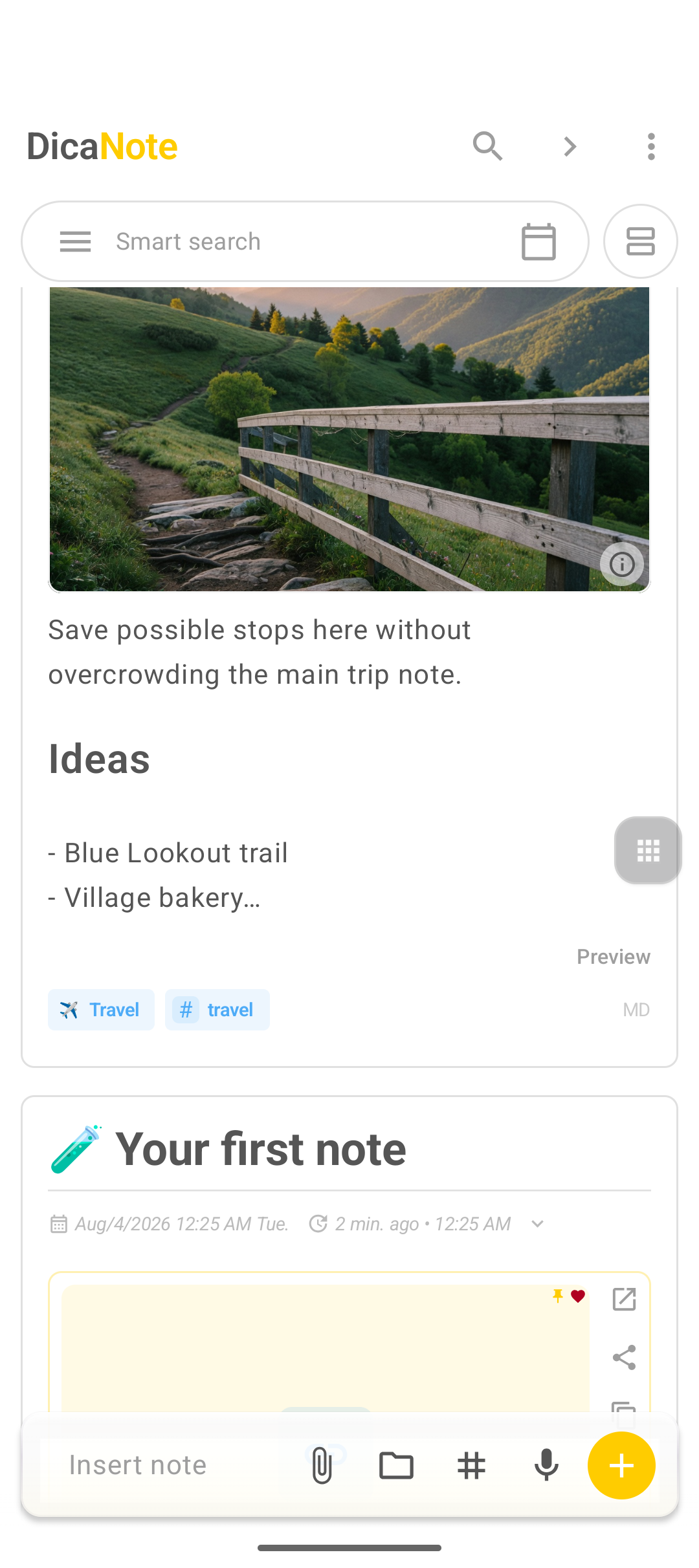
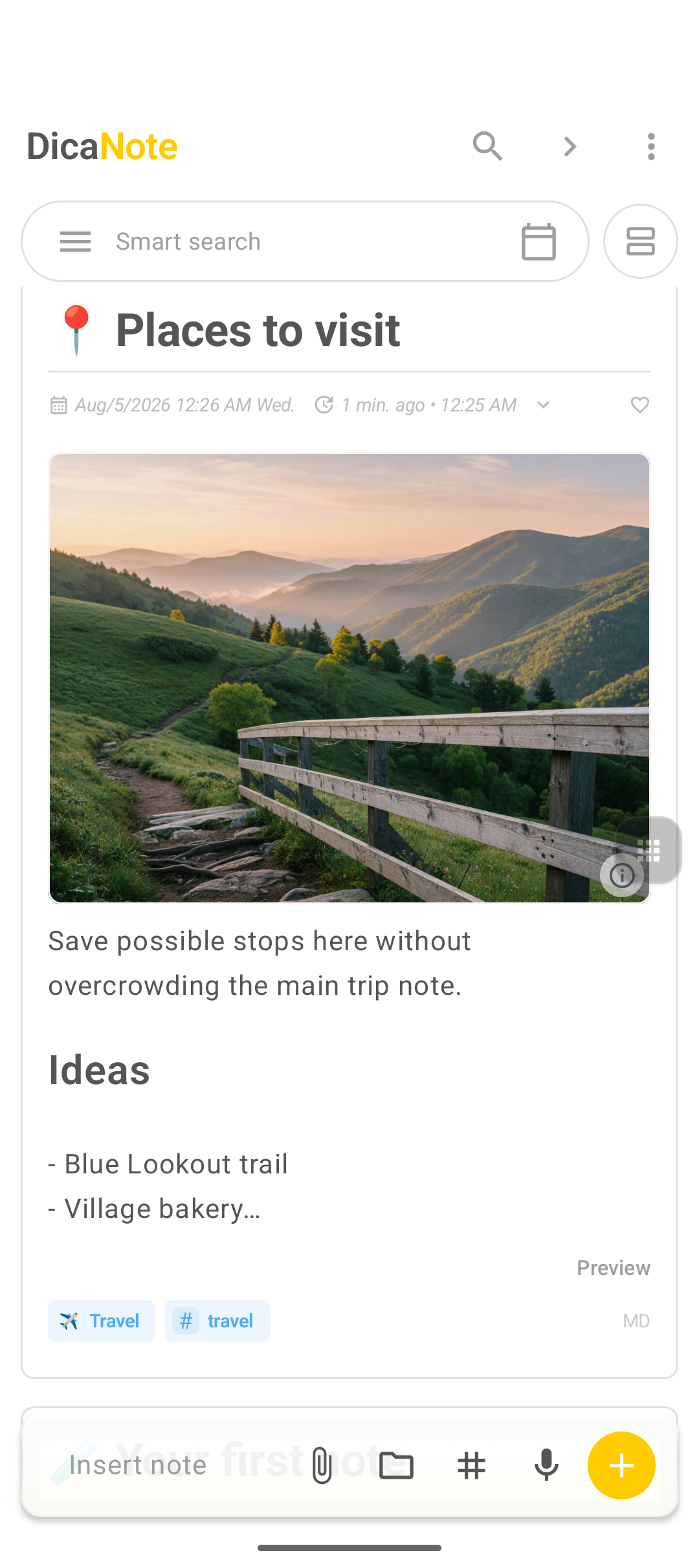
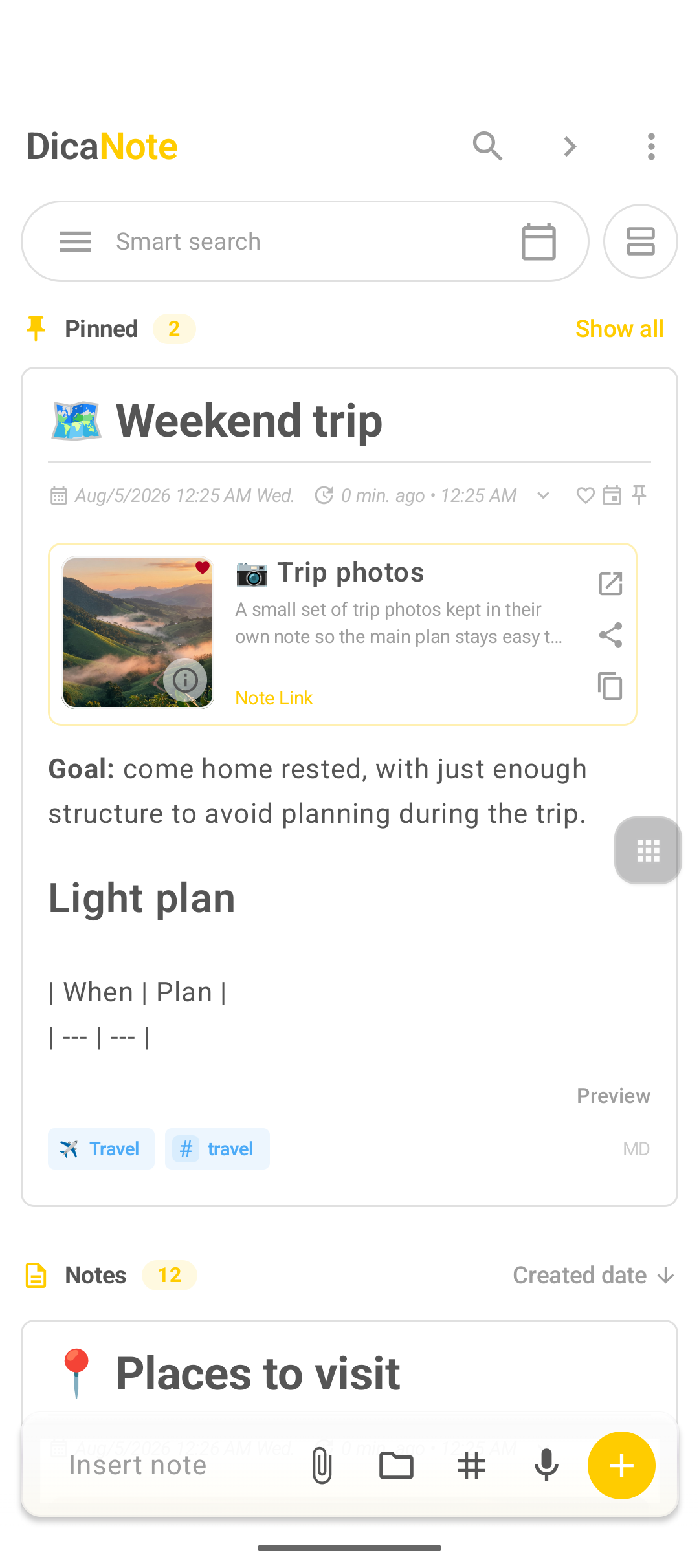
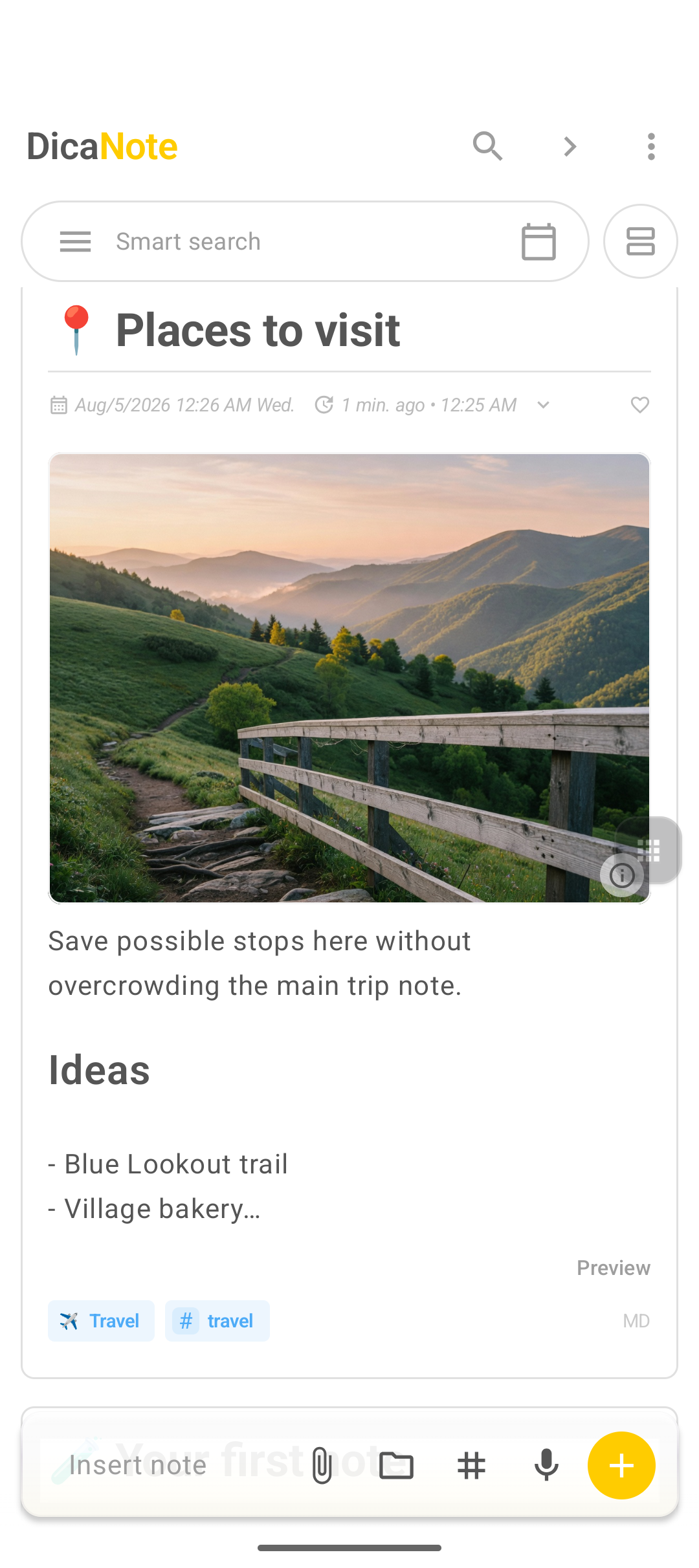
- Category: Travel
- Main note: Weekend trip (text plan)
- Linked notes: Trip photos, Road playlist, Weekend itinerary
- Tags:
travelon the plan,photoson the gallery
FAQ
How many categories should I create?
Start with three to five (for example Travel, Personal, Work). Add more only when something clearly does not fit.
Category or tag?
Use a category for the main life area. Use tags for cross-cutting labels like urgent or photos.