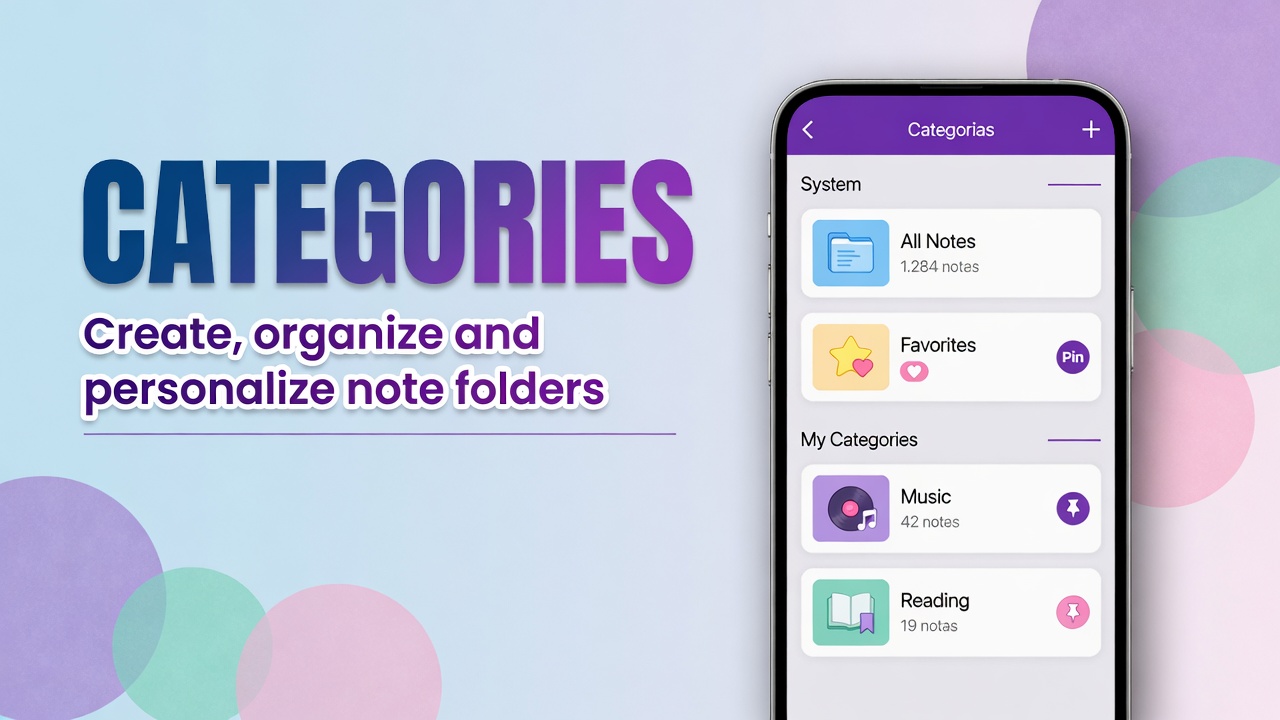
How to use the Categories page in DicaNote
Open DicaNote’s Categories screen: system categories, your folders, filters, search, and how to create and customize categories.
Ler mais →Open DicaNote’s Categories screen: system categories, your folders, filters, search, and how to create and customize categories.
Ler mais →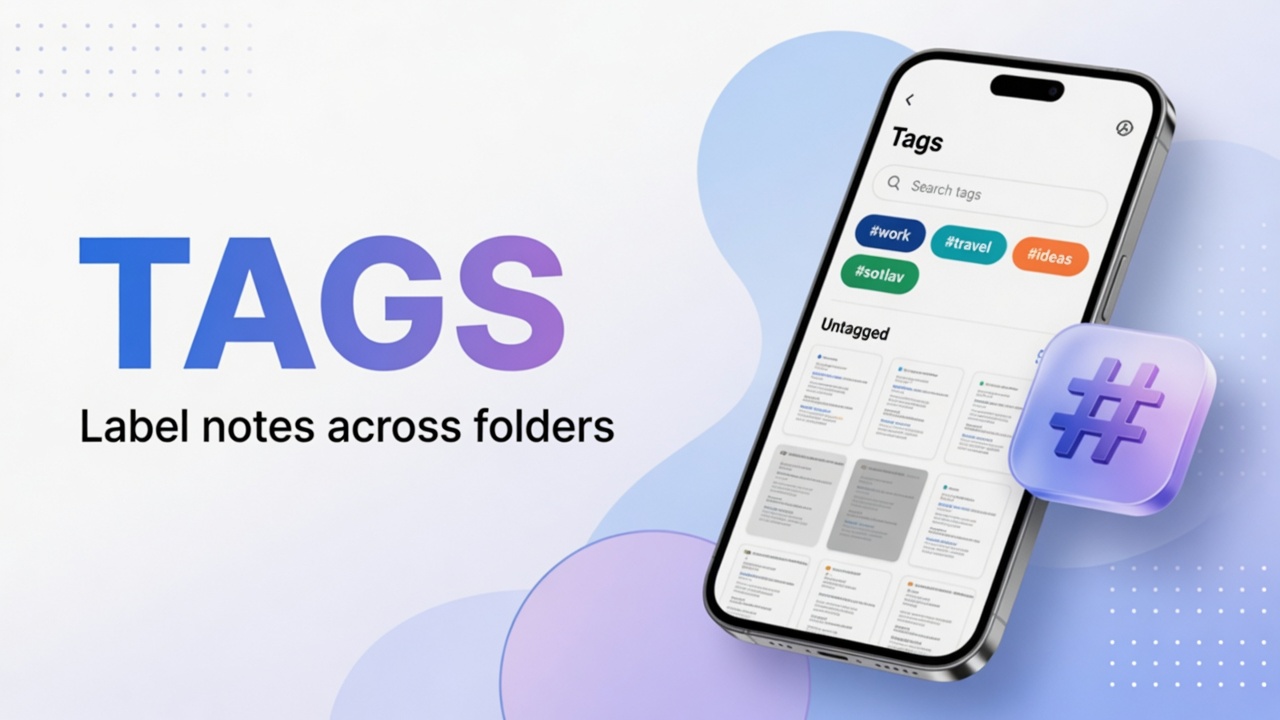
Create and apply tags (#) in DicaNote, filter by tag and combine with categories without cluttering folders.
Ler mais →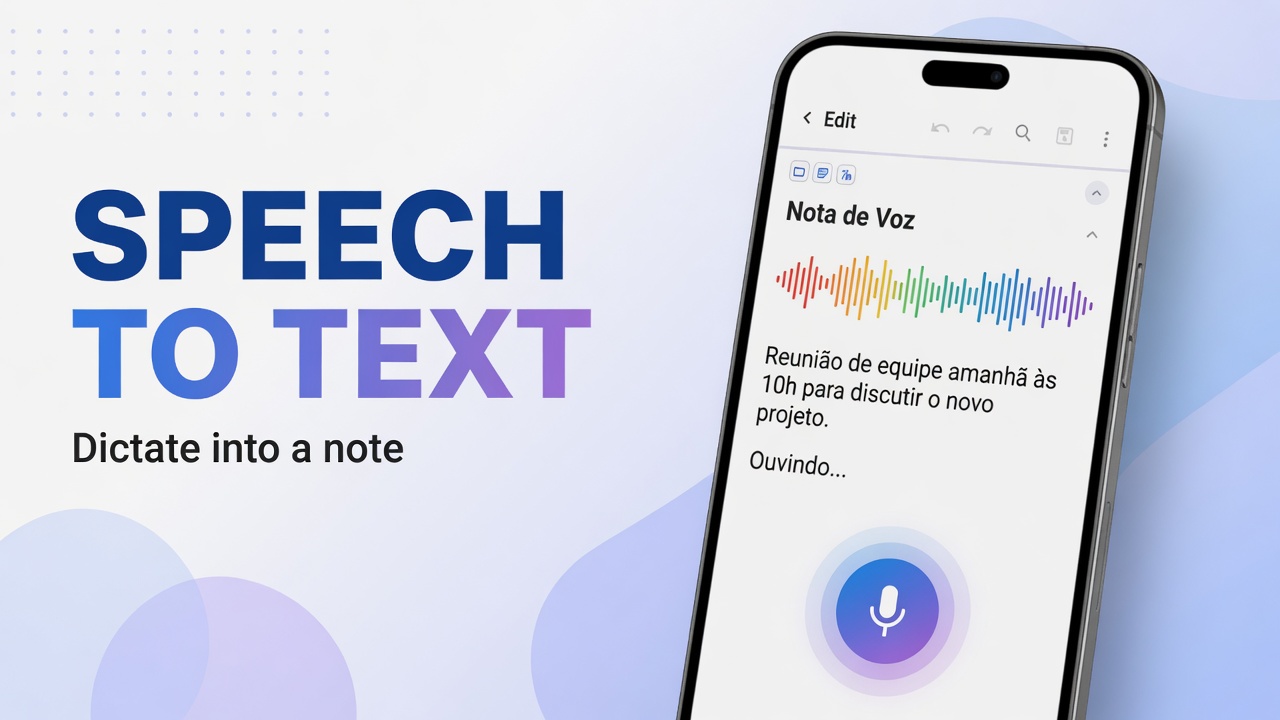
Use the notes-list microphone in DicaNote for dictation (Speech to text) and know how it differs from recording audio.
Ler mais →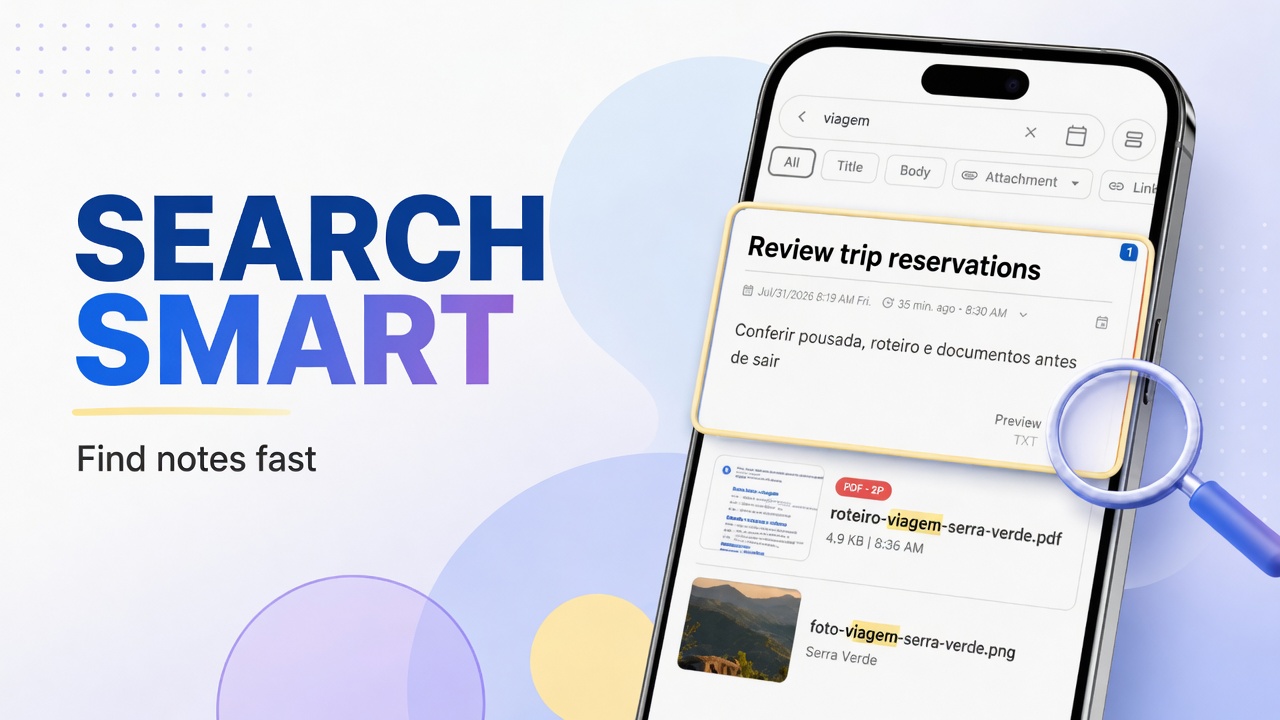
Find notes in DicaNote with Smart search, category and tag filters, and tips for titles that search actually picks up.
Ler mais →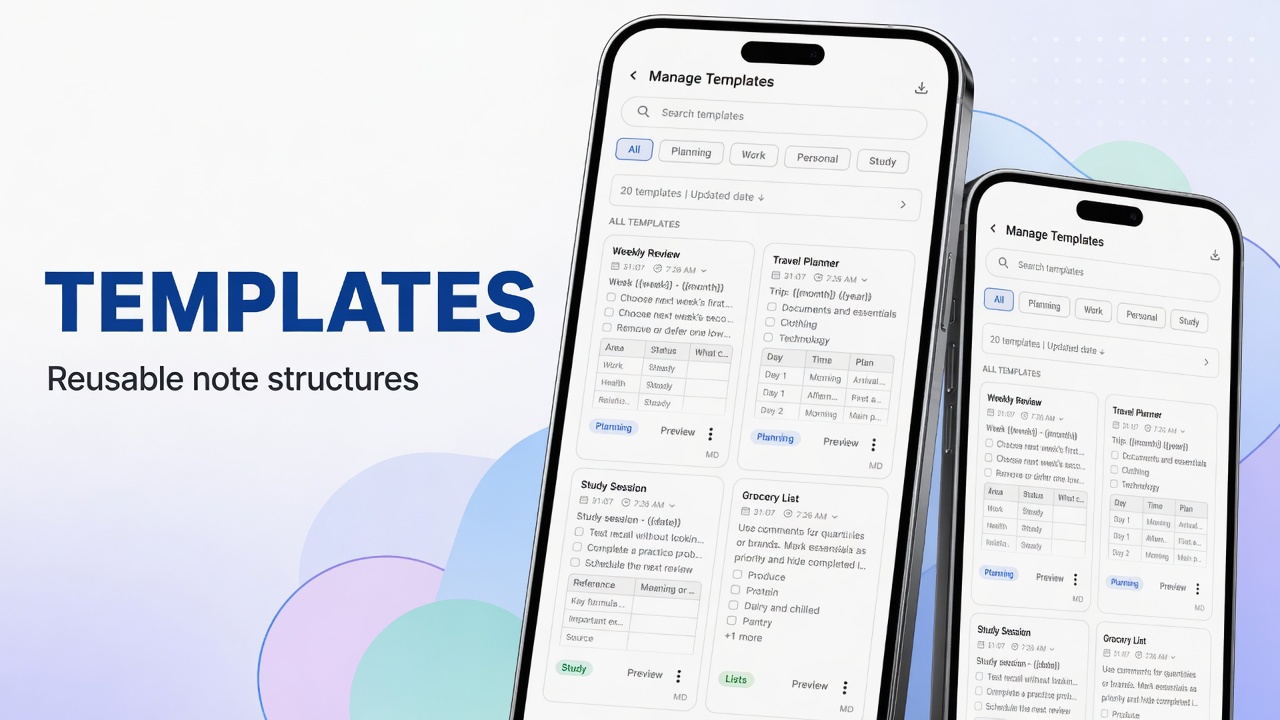
Manage and use templates in DicaNote: Manage Templates, tabs, search, preview, sorting, and how to create notes from a template.
Ler mais →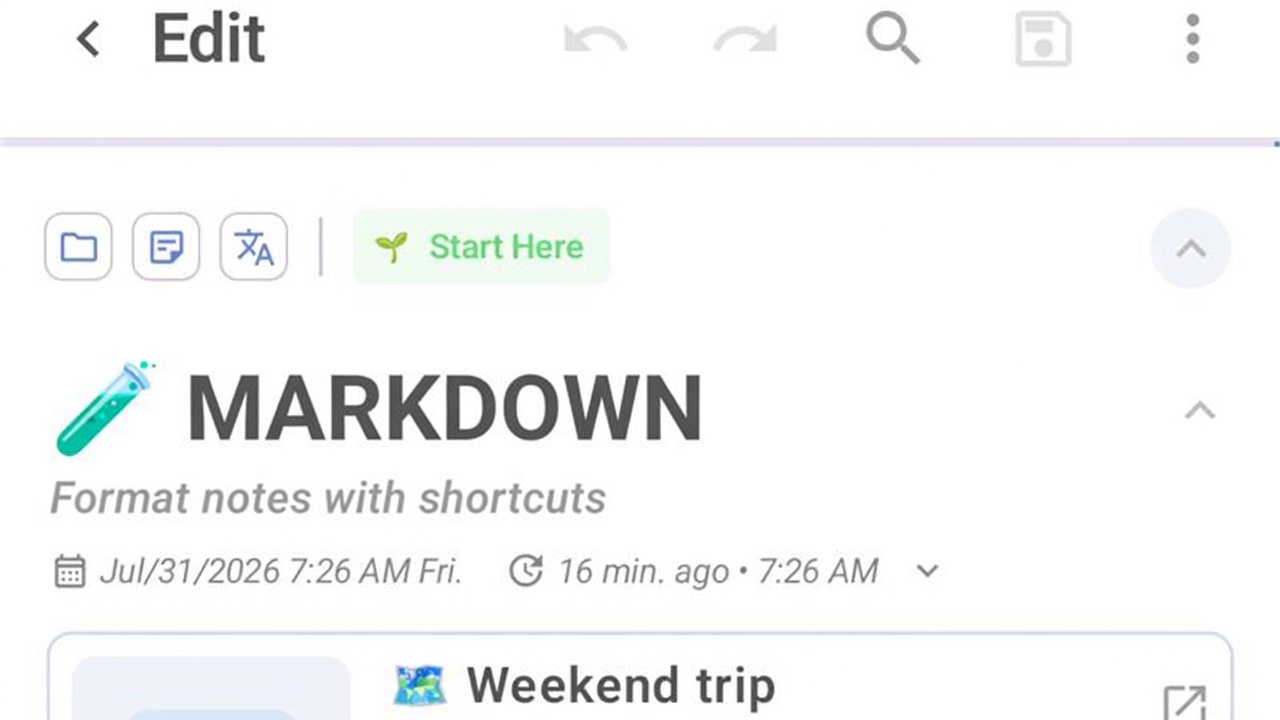
Format notes in DicaNote with Markdown: headings, lists, tasks, bold and links without leaving the keyboard.
Ler mais →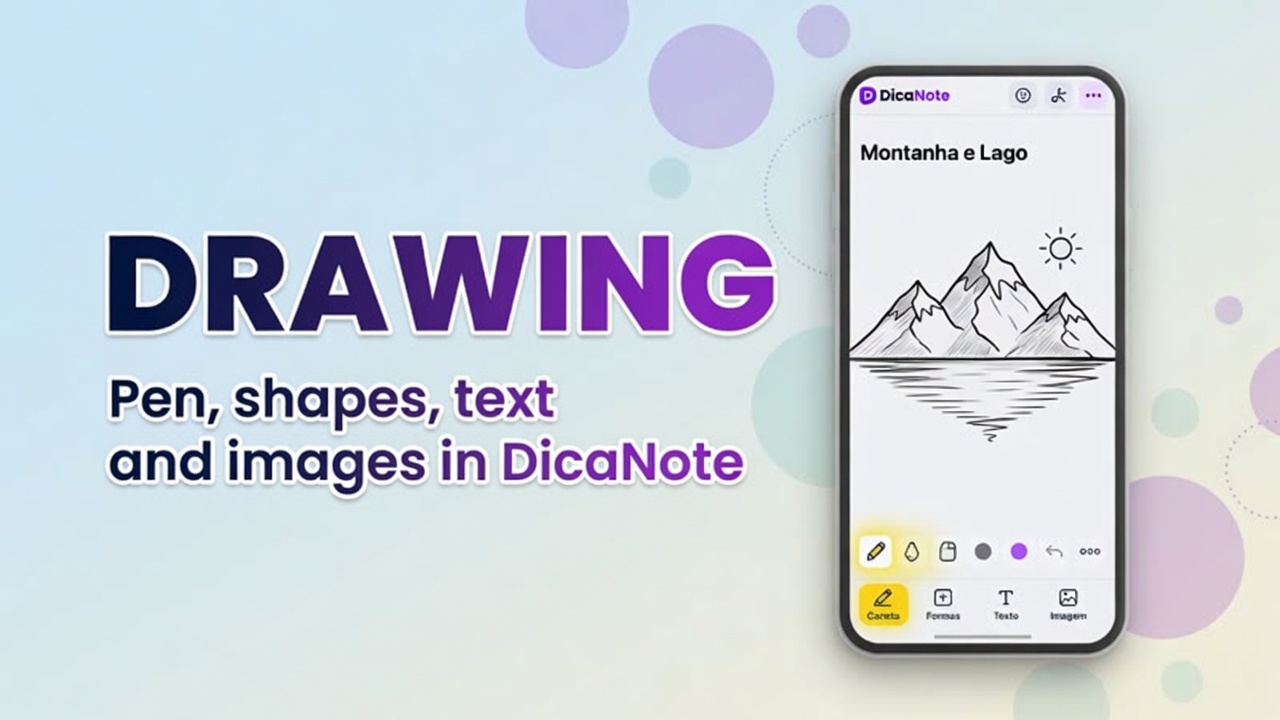
Learn the DicaNote drawing editor: tools, Page size, and Save as options.
Ler mais →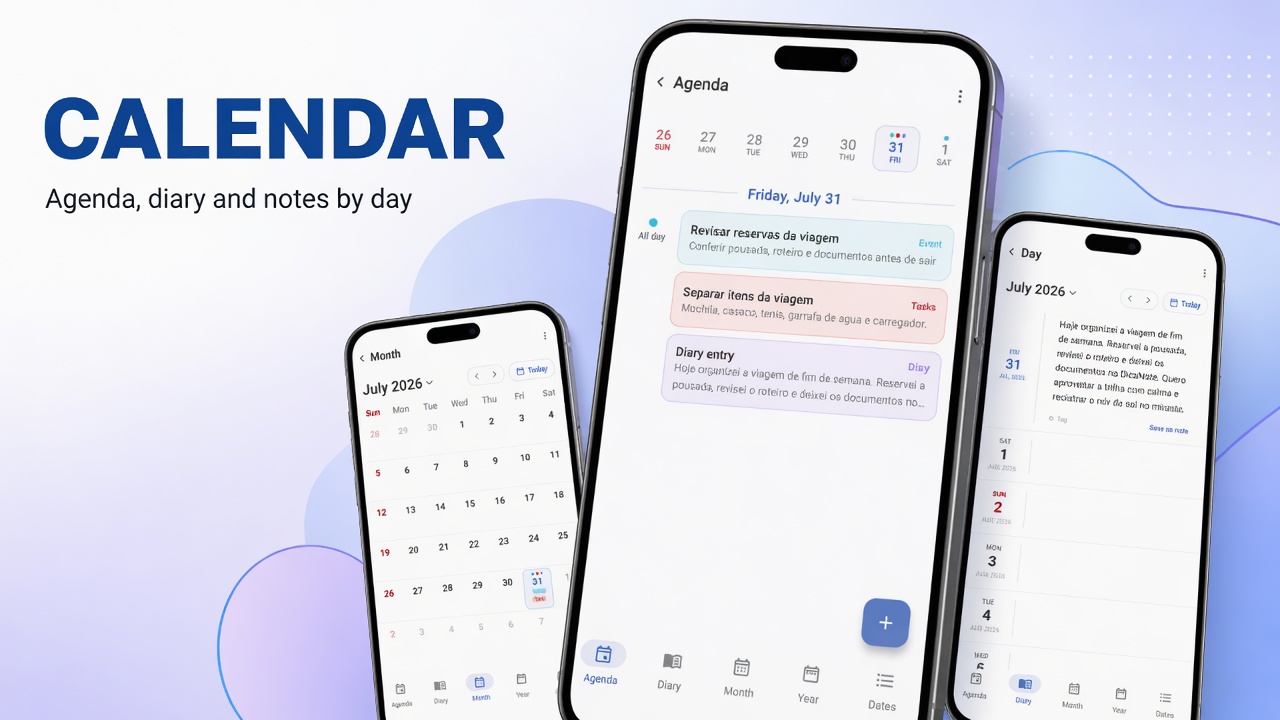
Use Agenda, monthly calendar, important dates and Diary in DicaNote, with Shortcuts and links to tasks.
Ler mais →
Use Android Share to send text from another app into DicaNote and create a new note or add to an existing one.
Ler mais →