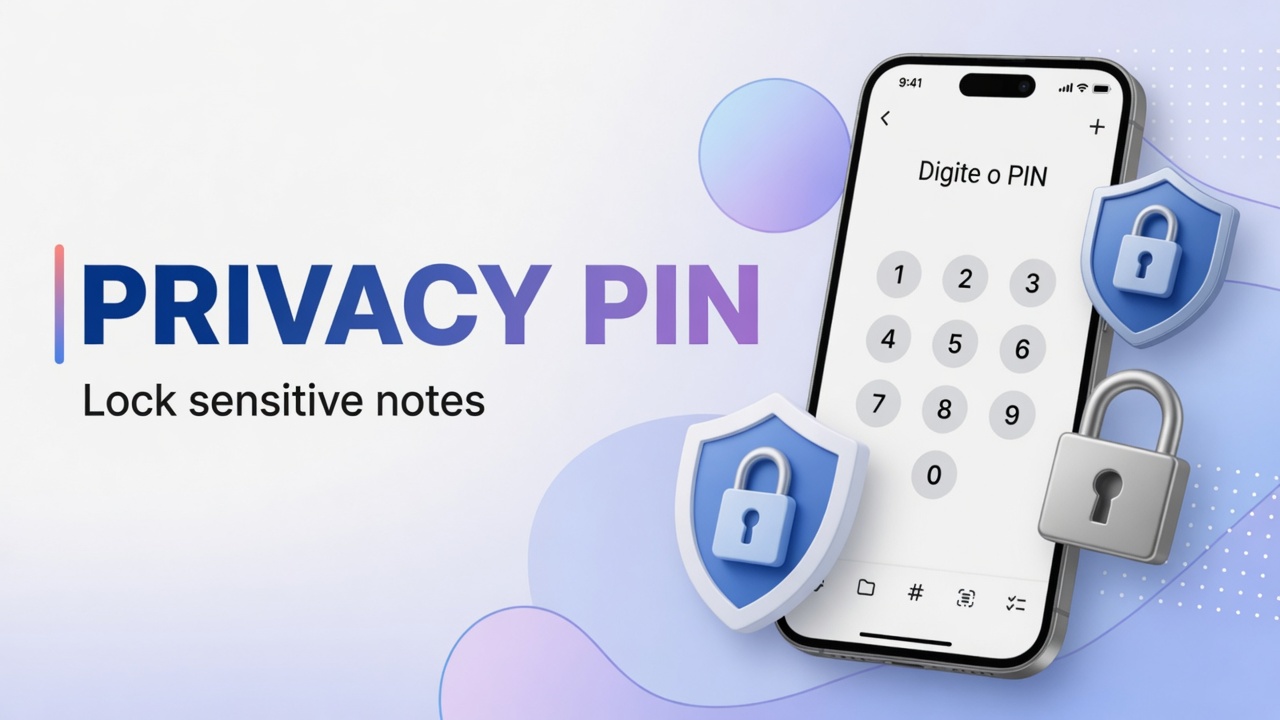
How to set up Privacy PIN and protect notes in DicaNote
Step-by-step Privacy PIN in DicaNote: Settings → Security, enable the PIN, mark Private note and open Private Notes — screenshots without personal …
Ler mais →Step-by-step Privacy PIN in DicaNote: Settings → Security, enable the PIN, mark Private note and open Private Notes — screenshots without personal …
Ler mais →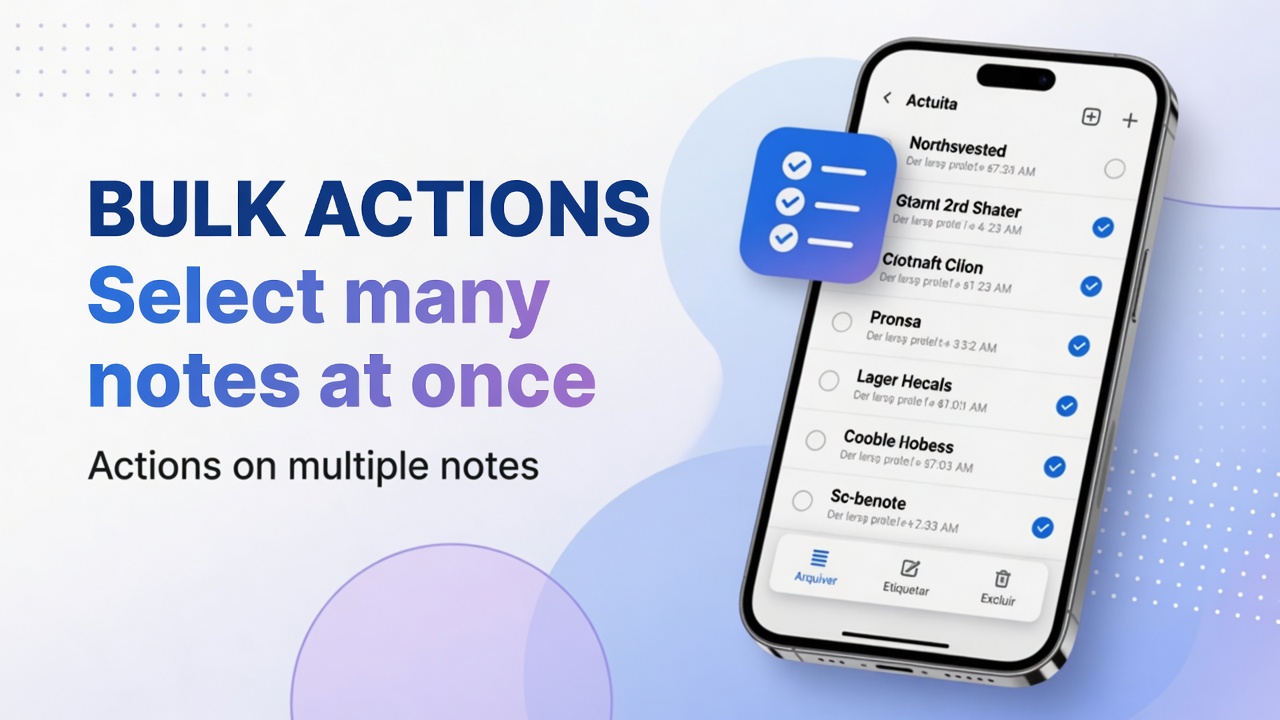
Long-press, multi-select and bulk actions in DicaNote: categories, tags, share, copy, merge, pin and trash.
Ler mais →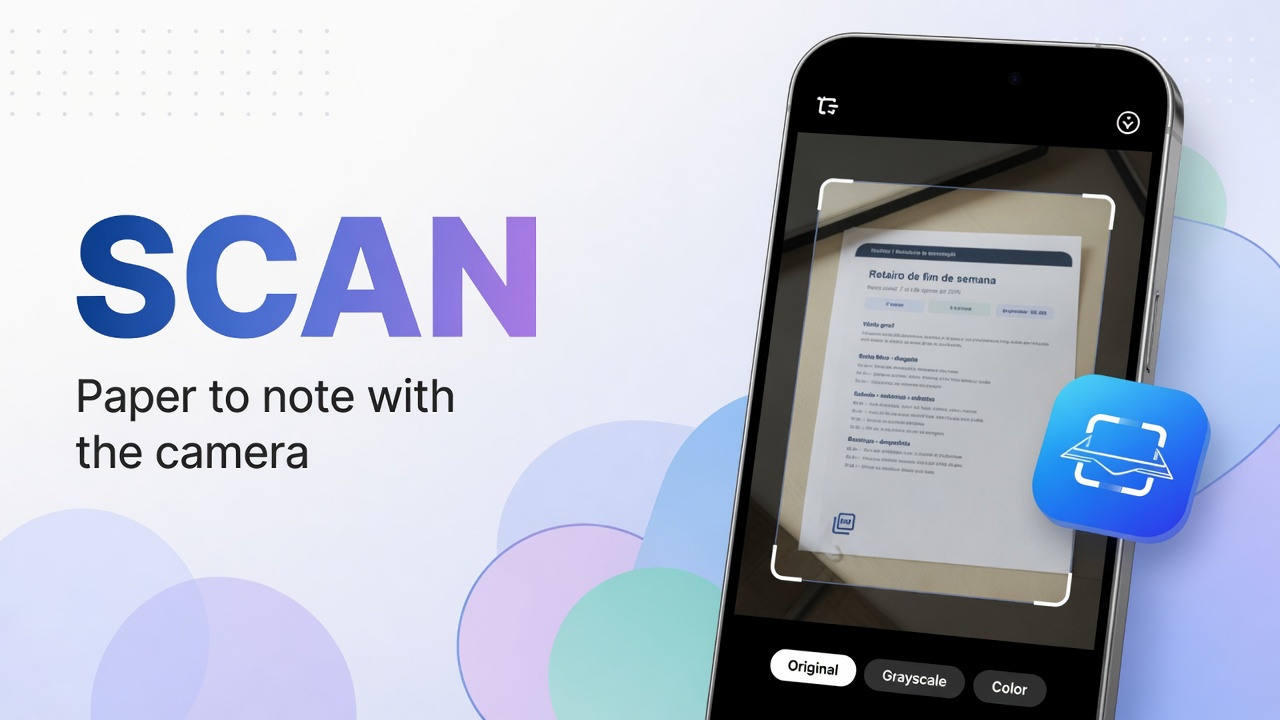
Scan paper in DicaNote: Scan, PDF document or Images, Enhance filters and save the PDF on the note — with English on-screen labels.
Ler mais →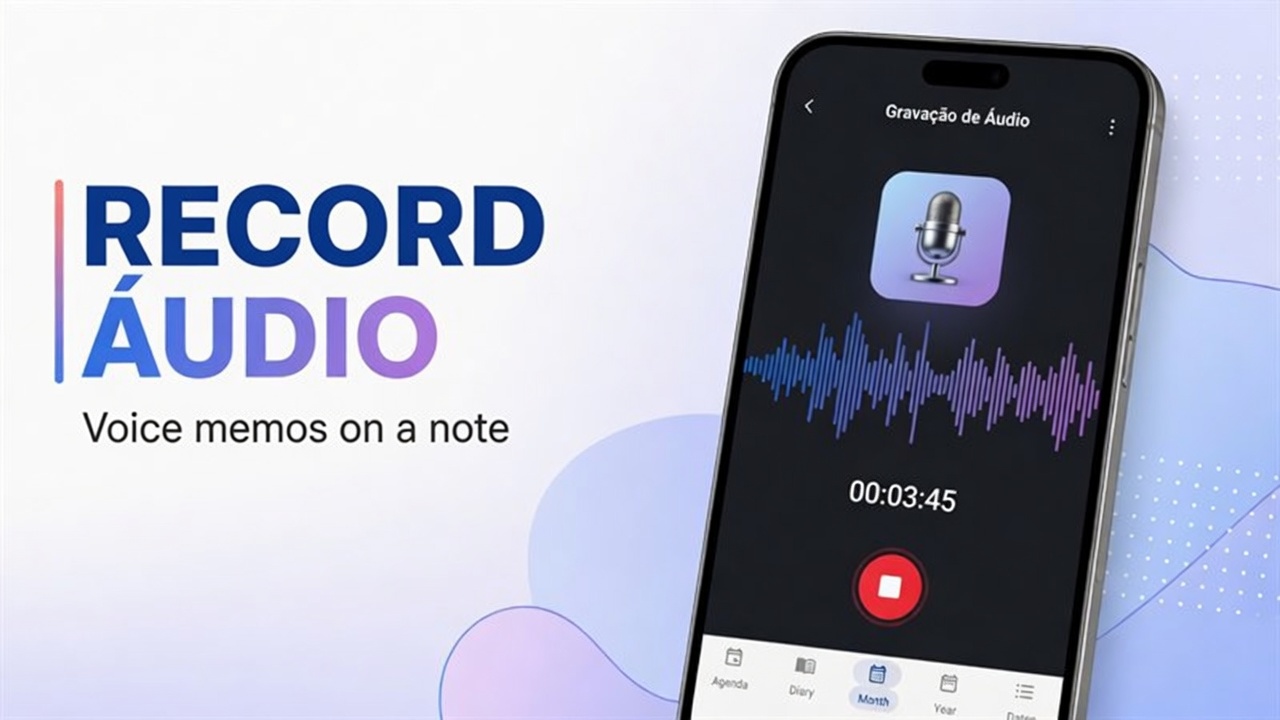
Step by step to record audio in DicaNote (Attach → Audio), save it on the note and play it later — with English UI labels.
Ler mais →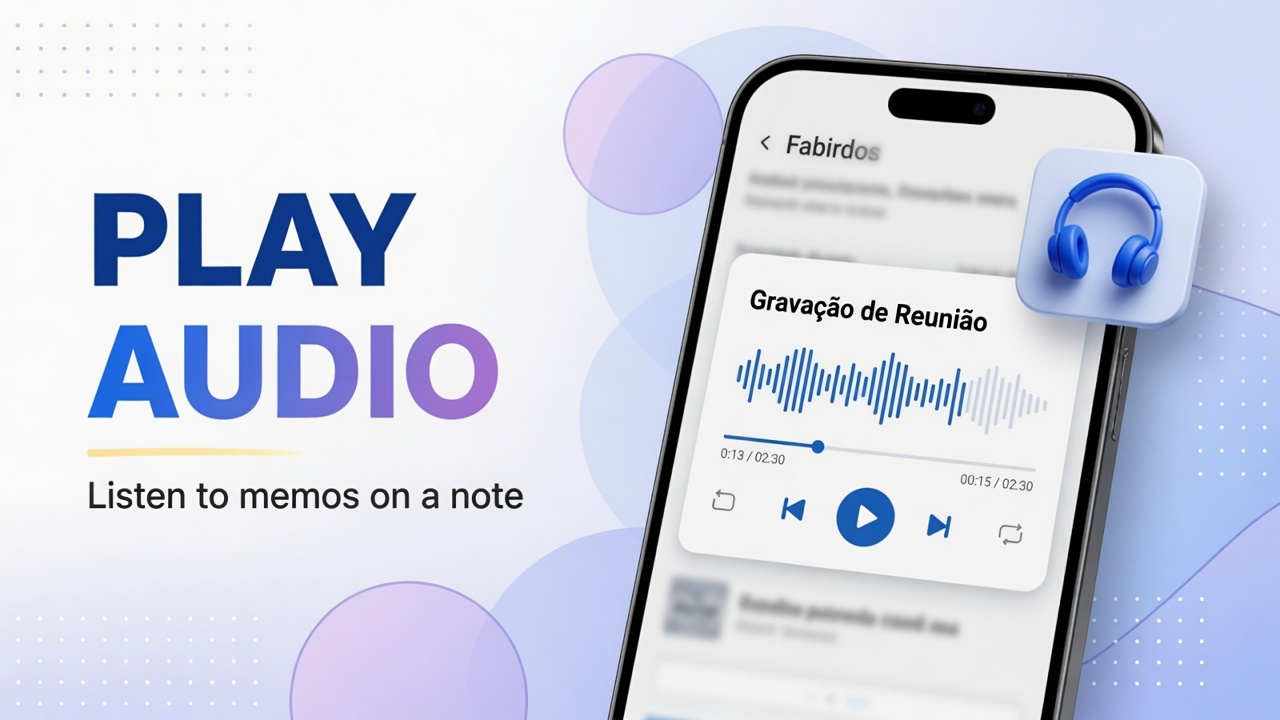
Open the audio player on a DicaNote note: play, pause, waveform, duration and playback speed.
Ler mais →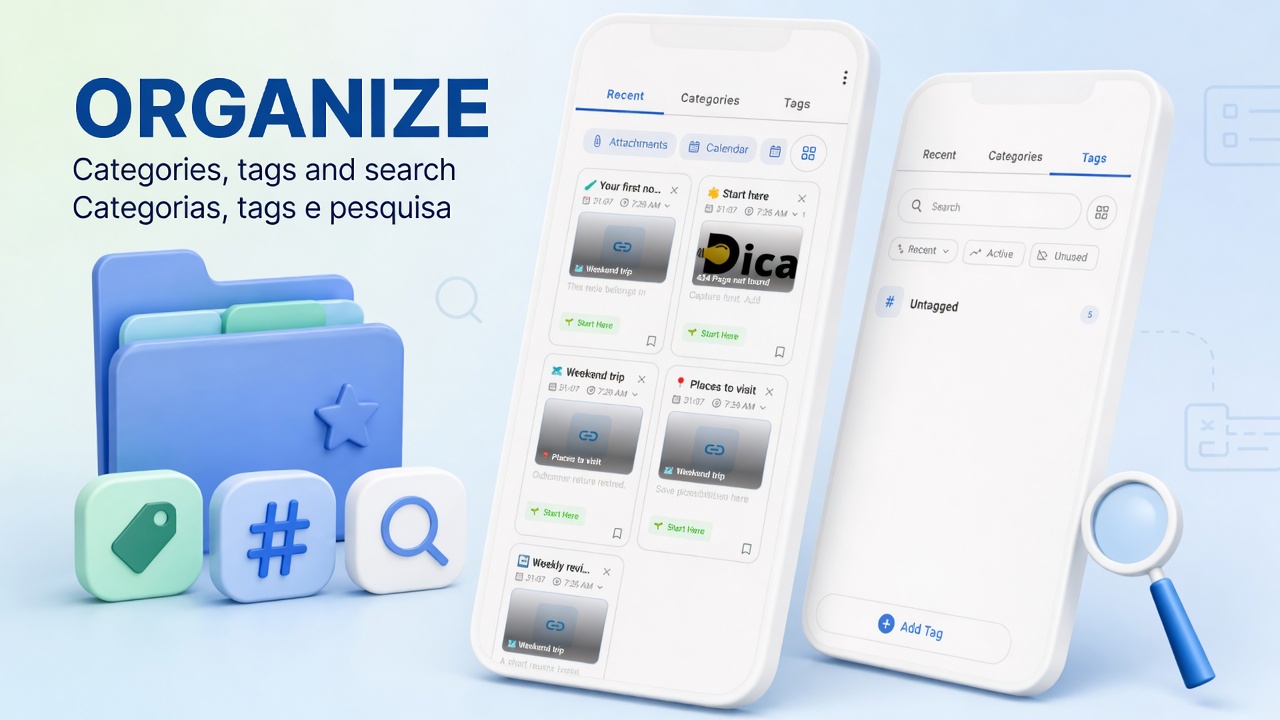
Combine categories, tags, pinned notes and search in DicaNote — and know when to use each.
Ler mais →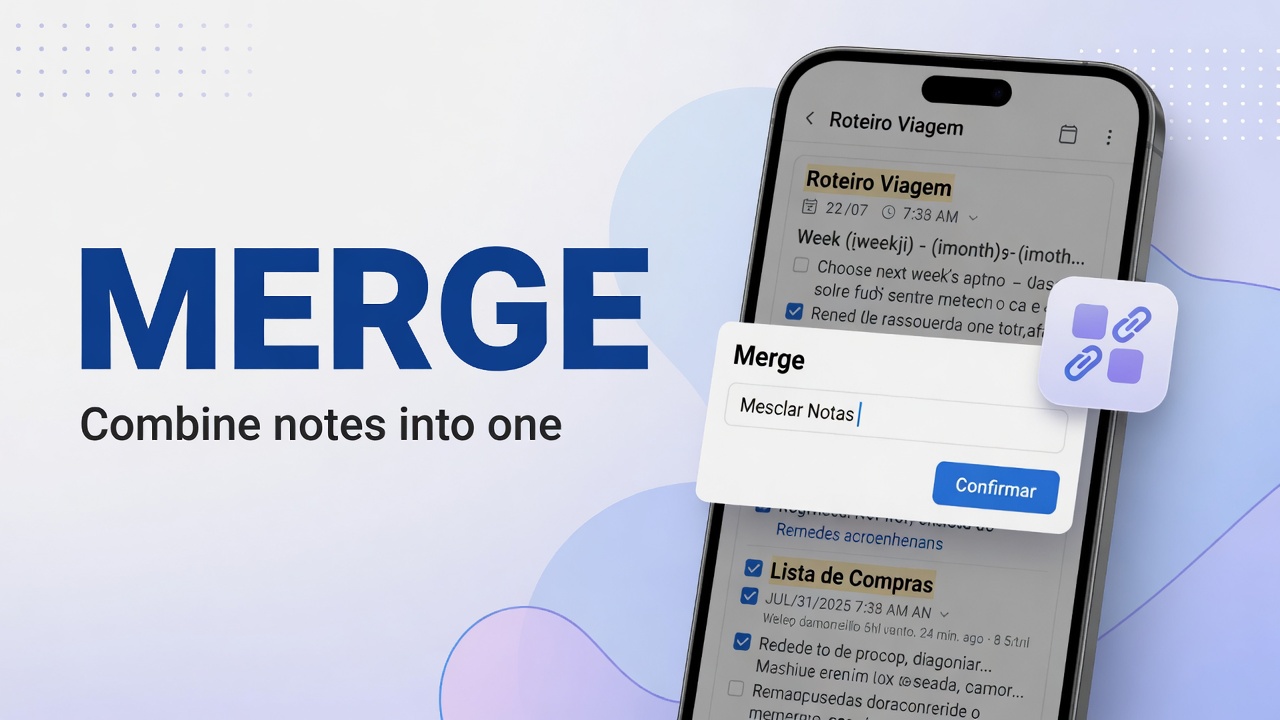
Select two or more notes in DicaNote and join the content with Merge Notes, choosing which note to keep (Keep this note).
Ler mais →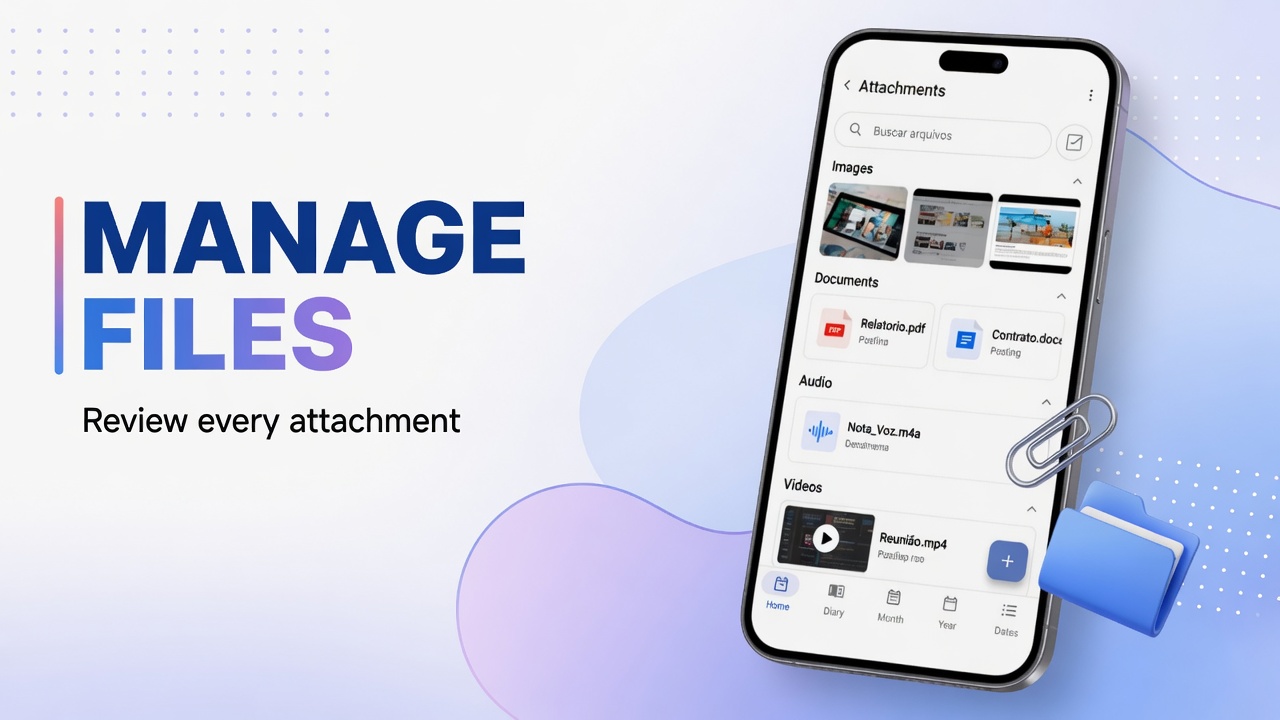
Open Attachments in DicaNote, search note files, switch Note files and Device media, and clean up leftovers.
Ler mais →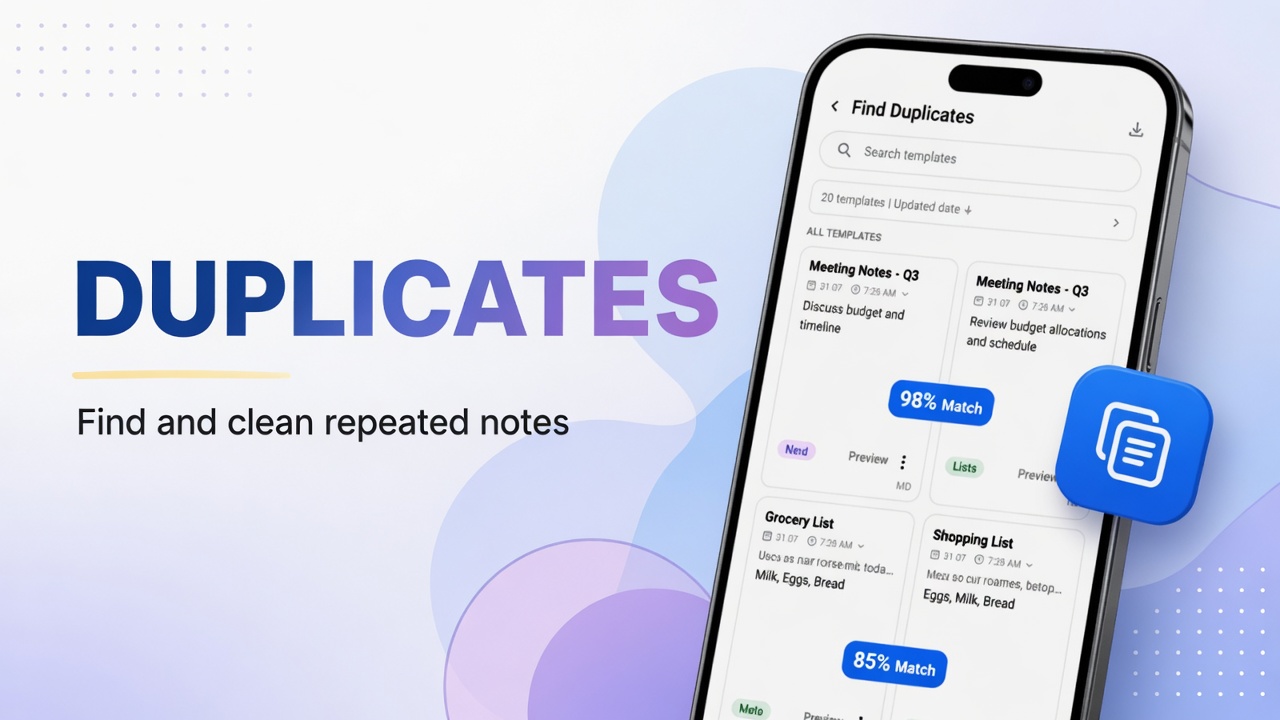
Use Find Duplicates in the DicaNote menu to locate copies and decide whether to delete, merge or keep them.
Ler mais →