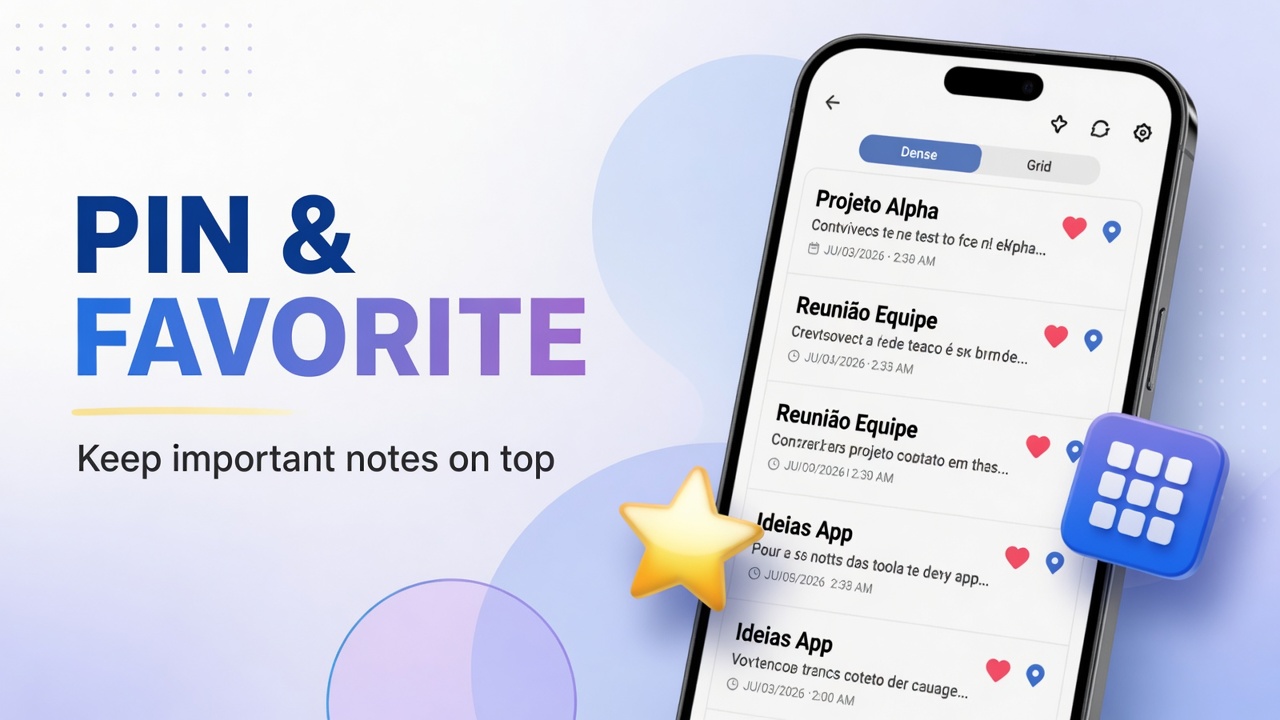
How to favorite, pin and change note layout in DicaNote
Organize the DicaNote list with favorites, pinned notes and Dense, Grid and other display modes.
Ler mais →Organize the DicaNote list with favorites, pinned notes and Dense, Grid and other display modes.
Ler mais →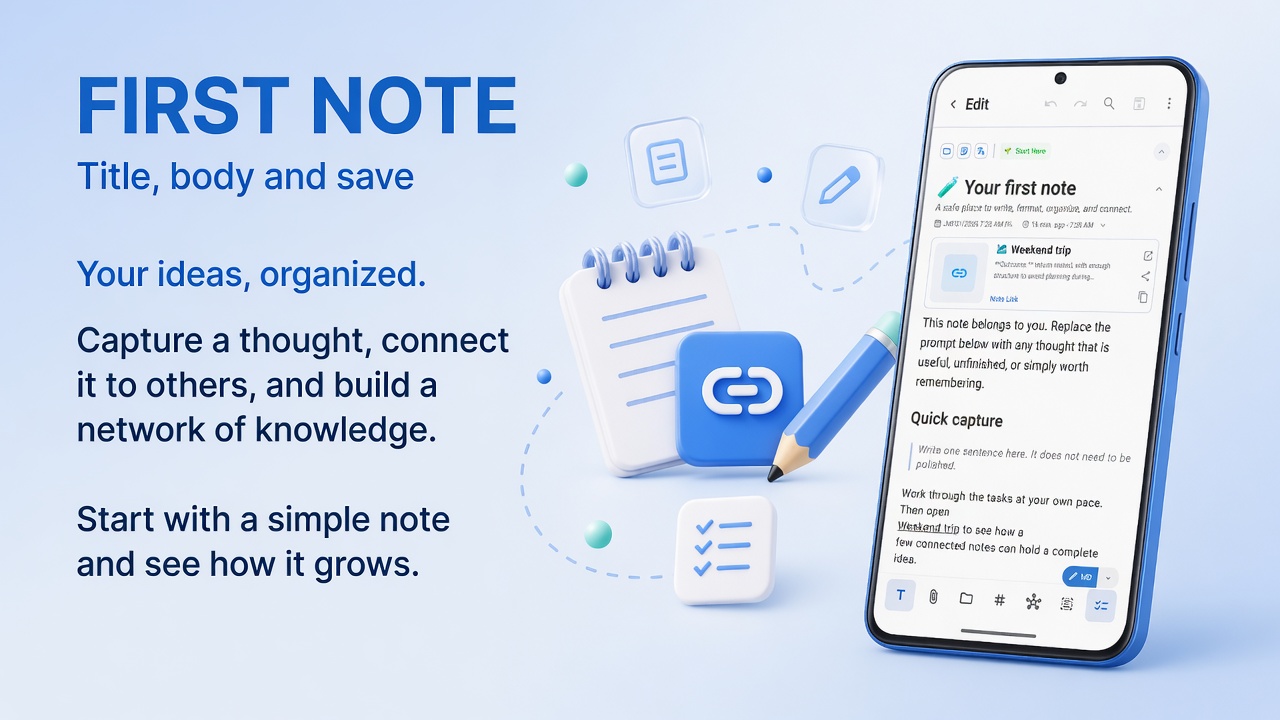
Create, edit and save your first note in DicaNote: title, Markdown, attachments, categories and bottom-bar shortcuts.
Ler mais →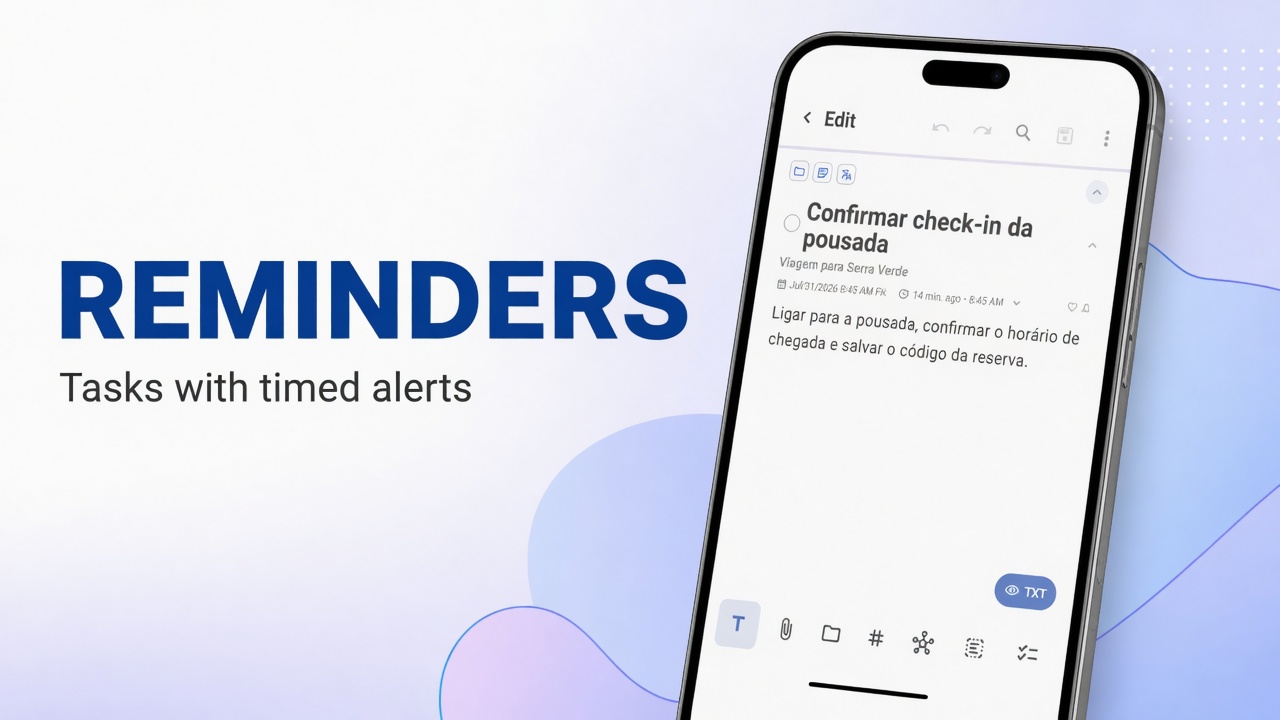
Turn a note into a task, set date and time, configure the reminder bell, and fix notifications that do not arrive on Android.
Ler mais →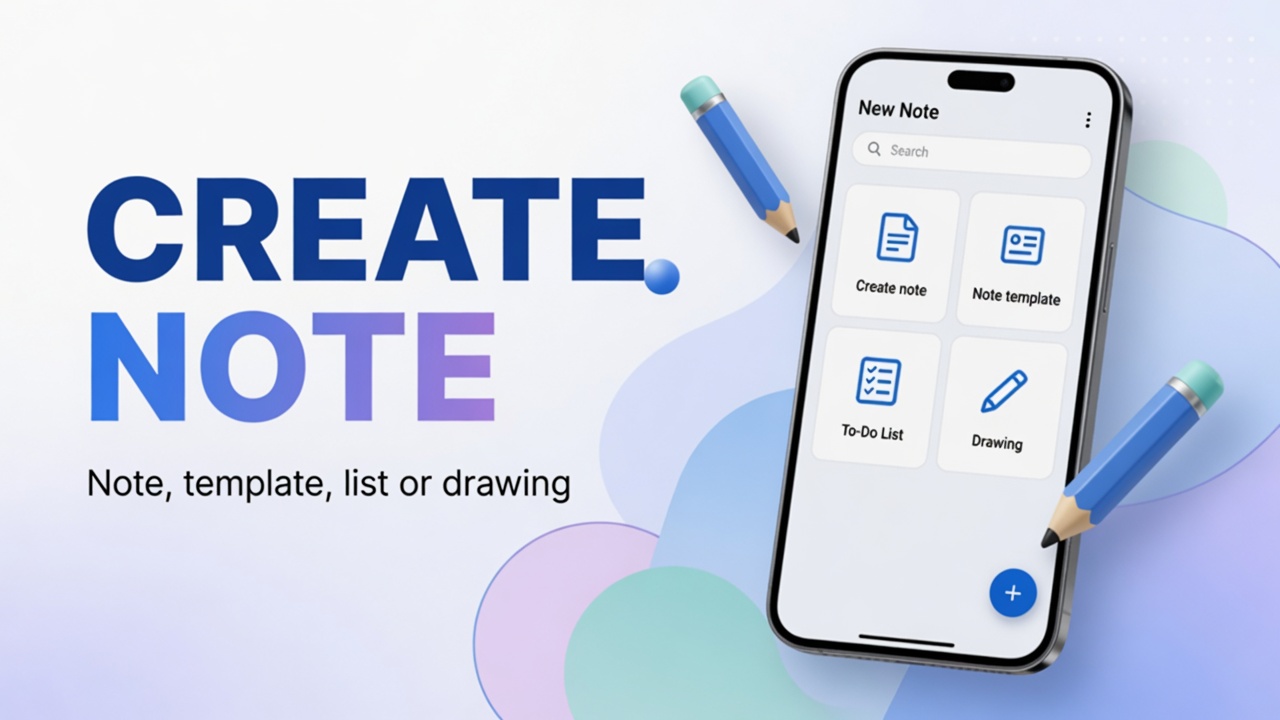
Four ways to create content in DicaNote from the + button: blank note, ready template, to-do list and drawing.
Ler mais →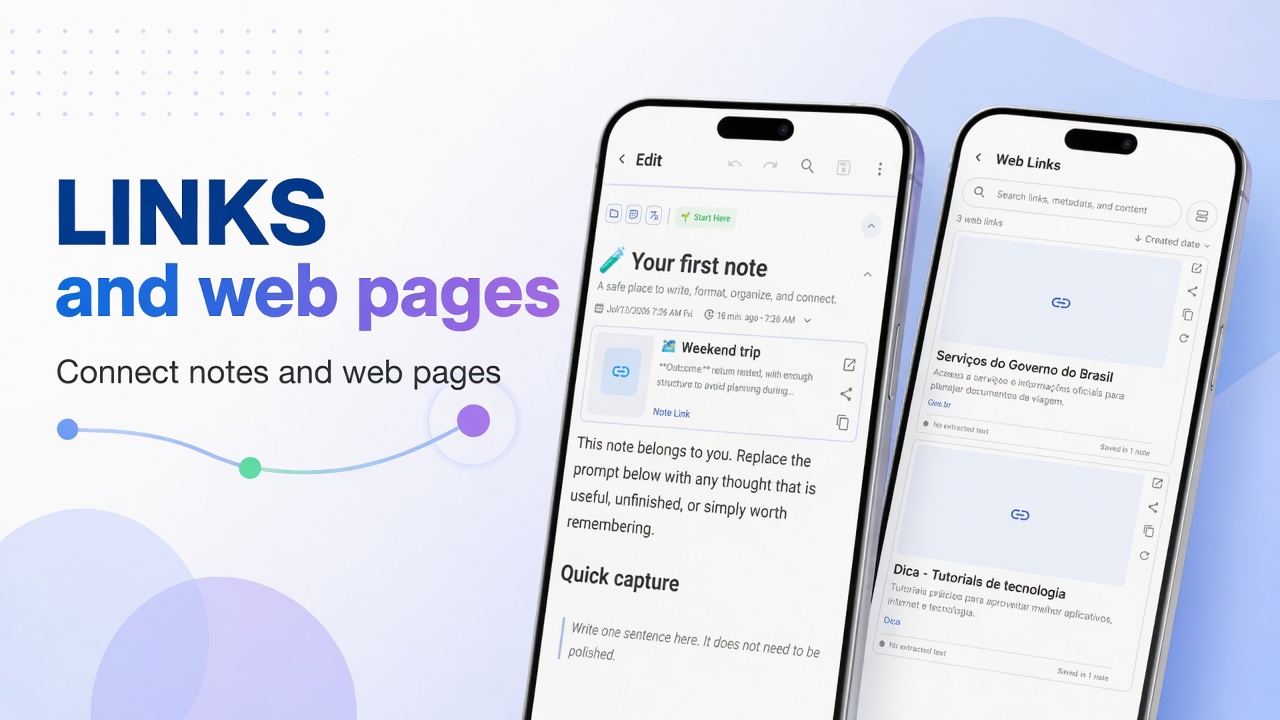
Create links between notes in DicaNote, navigate related cards and manage web links in Manage Web Links.
Ler mais →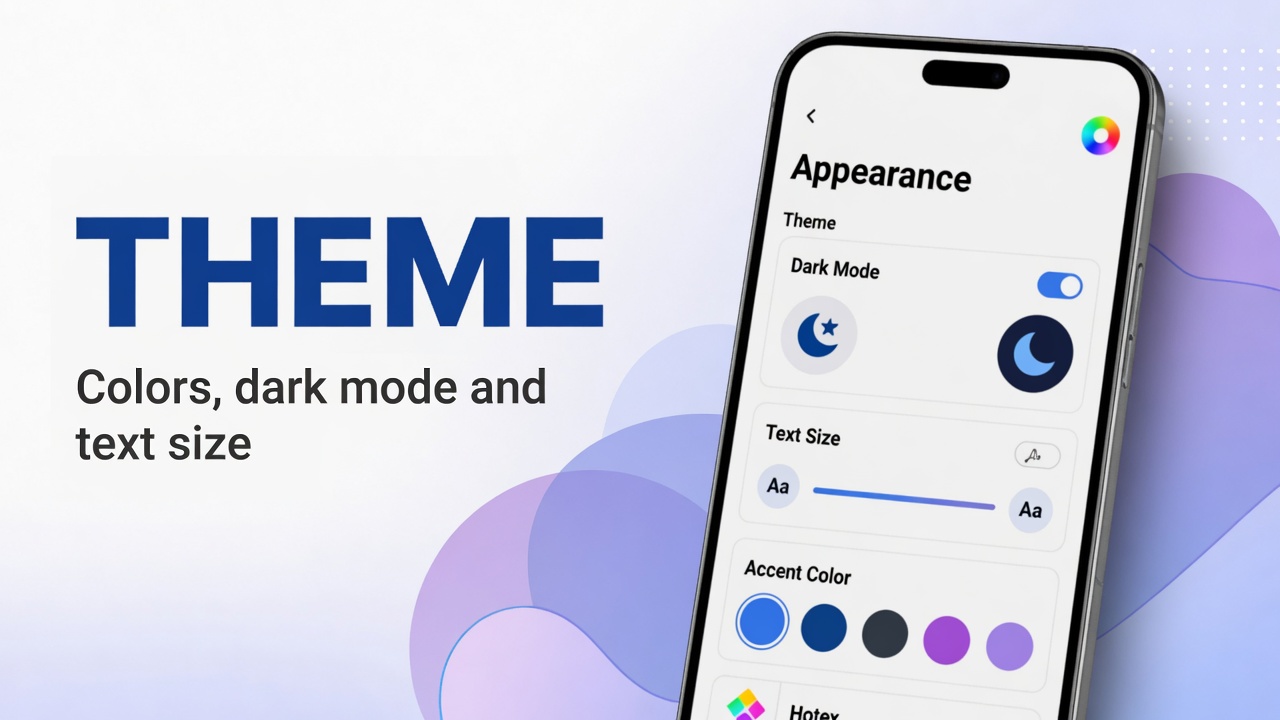
Adjust Appearance in DicaNote: light or dark theme, app color, font and text size for more comfortable reading.
Ler mais →
Complete guide: Import/Export, Back up now, what to include in backups, Restore from backup and View available backups — screenshots without PII.
Ler mais →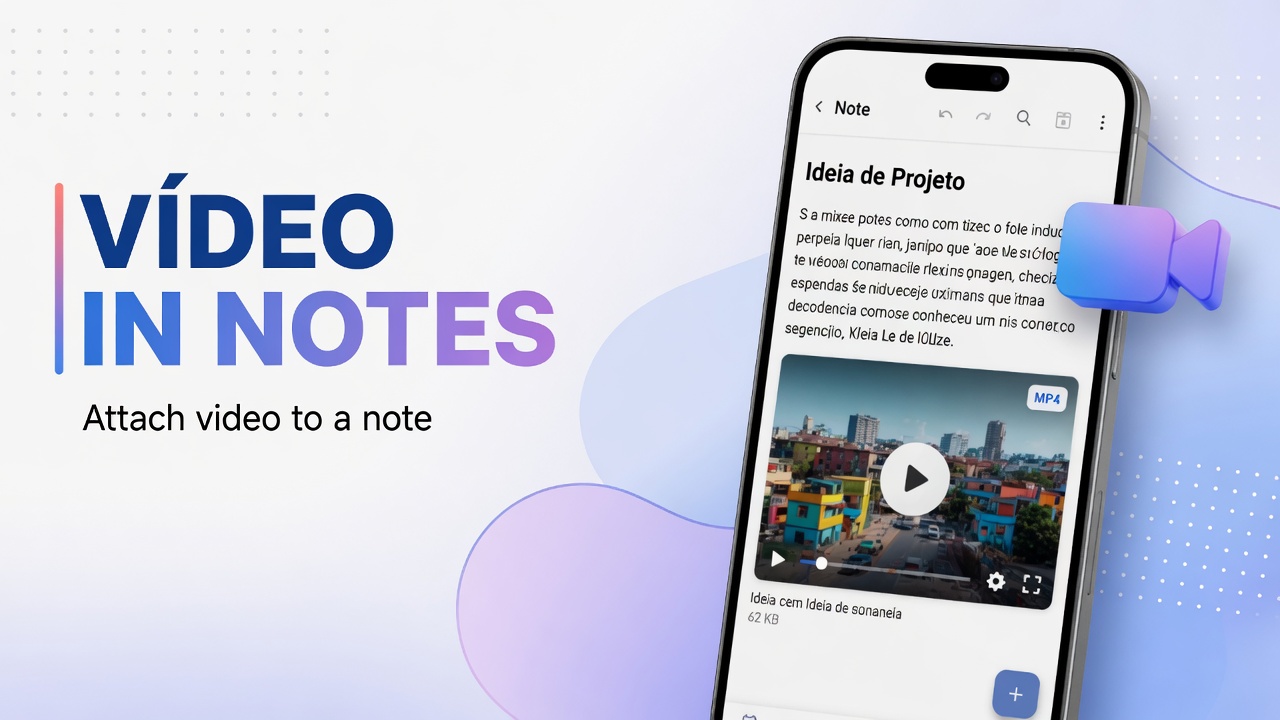
Attach gallery videos or capture with the camera in DicaNote, see thumbnail and duration, and organize the clip with text and categories.
Ler mais →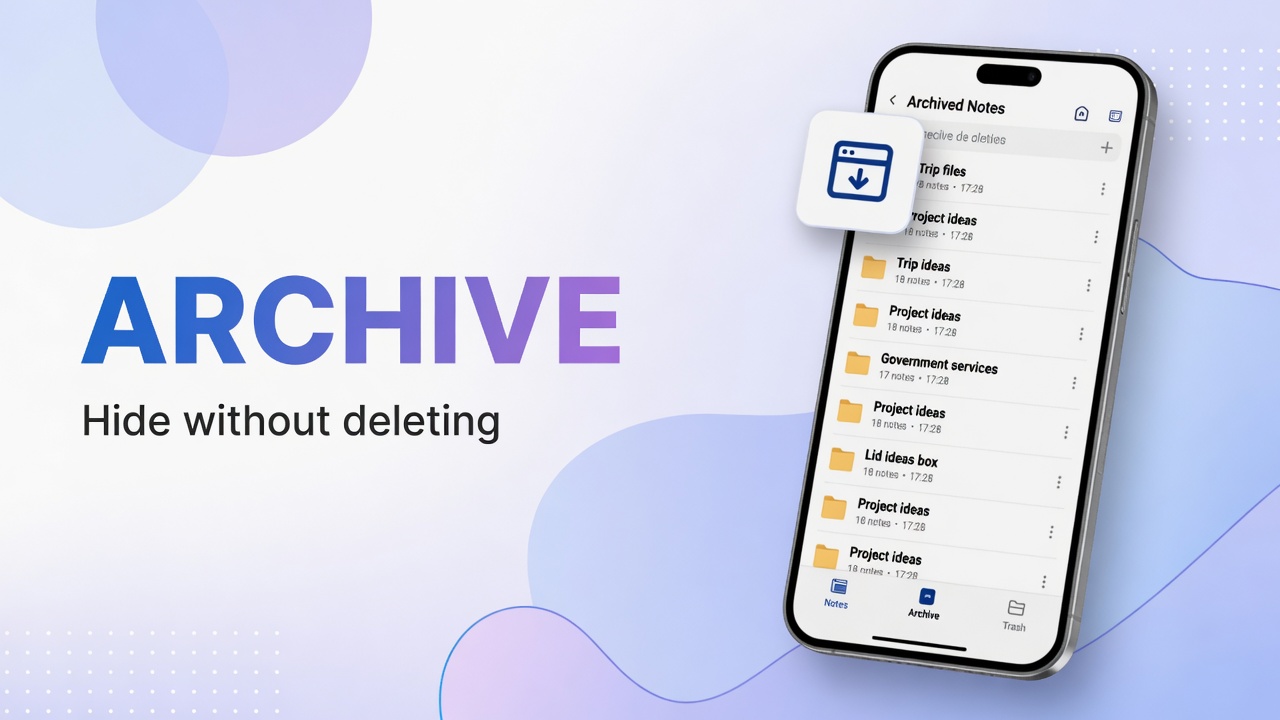
Archive notes you do not want on the active list, find Archive under system categories and restore when needed.
Ler mais →